Comparison · 9 min read
Tableify vs OpenTable: no cover fees on your regulars
OpenTable charges per cover, even when the guest is a regular who already knew your name. Tableify lets them book on your own website at one flat price.
The short answer
OpenTable's Basic plan is $149 a month plus a fee for each seated cover, and on Core and Pro the fee lands on covers booked through its app, website or network, regulars included. Tableify lets those guests book on your own website at one flat price, month to month, with no fee per cover and every deposit paid to you.
- Regulars book on your own site, under your own name.
- No fee per cover on a slow Tuesday or a full Saturday.
- Month to month, with every deposit paid into your account.
At a glance
- OpenTable Basic
- $149 a month plus a cover fee
- OpenTable Core and Pro contract
- One year, renews each year
- Tableify pricing
- From $249/mo, no fee per cover
- Tableify contract
- Month to month, cancel anytime
- Tableify setup
- Done for you in two to four weeks
Side by side
What each booking costs you, row by row.
What Tableify and OpenTable charge for and include, from their own sites, next to taking every booking by phone.
| What to check | Tableify | OpenTable | Phone and a paper book |
|---|---|---|---|
| Fee for each booked guest | Yes:None, we never take a cut | Varies:A fee on network covers | Yes:None, apart from staff time |
| A regular who books in an app | Yes:Books on your site, no fee | Varies:Booked in its app: a fee applies | Yes:They call, no fee |
| Bookings from your own website | Yes:Free, on your own domain | Yes:Free on Core and Pro plans | No:No online booking |
| Contract | Yes:Month to month | Varies:Basic monthly; Core and Pro one year | Yes:None |
| Deposits and card holds | Yes:Paid straight to your own account | Yes:Included, per its plan pages | No:Hard to collect |
| Private event inquiries | Yes:A page and form per room | Varies:A $99/month add-on, per its page | Varies:Phone calls and email |
| Website with a Reserve button | Yes:Built and hosted for you | Varies:A profile listing and booking widget | No:A phone number |
| Who owns the guest list | Yes:You do, in Tableify CRM | Yes:You do, per its site | Varies:Whoever keeps the book |
The OpenTable column reflects OpenTable's public information as of October 2026. Check opentable.com for current plans, fees and terms.
What Tableify costs
One flat price, however many covers you seat
- No fee per cover, per booking or per guest, ever.
- Deposits and no-show fees paid into your own account.
- One flat monthly price, month to month, cancel anytime.
$0 per cover
The plan price is the same in a quiet week and in your record month.
Book a quick call
Or start with the free report
Chart · from the case study
239 of 338 party inquiries at one beer garden in September 2026 came through its own website form, and 44 through a reservation platform.
Private event inquiries in one month, by the door each guest chose.
See the numbers
The numbers
| How the inquiry arrived | Inquiries |
|---|---|
| Website form | 239 |
| Reservation platform | 44 |
| Web chat | 25 |
| 13 | |
| Instagram messages | 12 |
| Phone | 4 |
| Walk-in | 1 |
| Total | 338 |
Covers, regulars and your own site
What OpenTable charges, and where the fee lands
OpenTable sells three plans: Basic, Core and Pro. Basic is the only one with a price on its public page: free for 30 days for new customers, then $149 per month plus a fee for each seated cover, month to month with 30 days notice to cancel. Core and Pro print no price on their public plan pages and carry a standard one year contract that renews unless you give 30 days notice.
On Core and Pro, bookings made through your own website are free. The cover fee applies when the diner books through OpenTable's website, its app or its affiliate network, and no page we could read in October 2026 printed that per cover rate. Private Dining is a separate add-on, listed on its page at $99 a month. So for most dining rooms the real question is not the plan price. It is how many of your covers walk in through their door instead of yours.
The regular who books you out of habit
Picture the couple who take the same corner table most Fridays. They know your hours, your specials and the server who remembers their wine. When they want next Friday, one of them opens the booking app already on their phone, types your name and taps 7:30. Nothing about that booking was discovery. They were never going anywhere else, yet the reservation arrived through the app, and OpenTable's own FAQ lists app bookings among the ones that carry a cover fee.
Now count every couple like them: the neighbors who come in twice a month, the office that books the same Thursday lunch, the family that does every birthday with you. In a busy room, a large share of the covers can be people who found you years ago. Paying to meet a new diner is one kind of cost. Paying again each time a familiar guest comes back is a cost that grows with loyalty, and loyalty is the part of the business you built yourself.
Sample math: what a cover fee adds up to
This is sample math, not a quote. OpenTable did not print its per cover rate on any page we could read, so take $1 a cover only because it keeps the arithmetic easy, and put the rate from your own agreement in its place. Say a neighborhood room books 900 covers a month through the app, and 600 of those are regulars. At $1 each that is $900 for the month, and $600 of it is a fee on guests you already had.
Then run the busy season. A December at 1,400 app covers comes to $1,400 for that month, so the bill climbs in exactly the weeks you worked hardest for. Twelve ordinary months at 900 covers add up to $10,800 in this sample, before any plan price. On Tableify the same 900 or 1,400 covers cost nothing beyond one flat monthly price, and that price does not move when Saturday fills.
- Pull last month's covers that came in through the app, from your own booking reports.
- Mark how many of those guests had dined with you before.
- Multiply both numbers by the per cover rate on your agreement, then by twelve.
Free · about a minute
How do guests find you today?
Type your restaurant's name. The free report shows how you come up on Google and in AI answers, next to the places near you.
FreeAbout a minuteNo card
Where guests who already want you go first
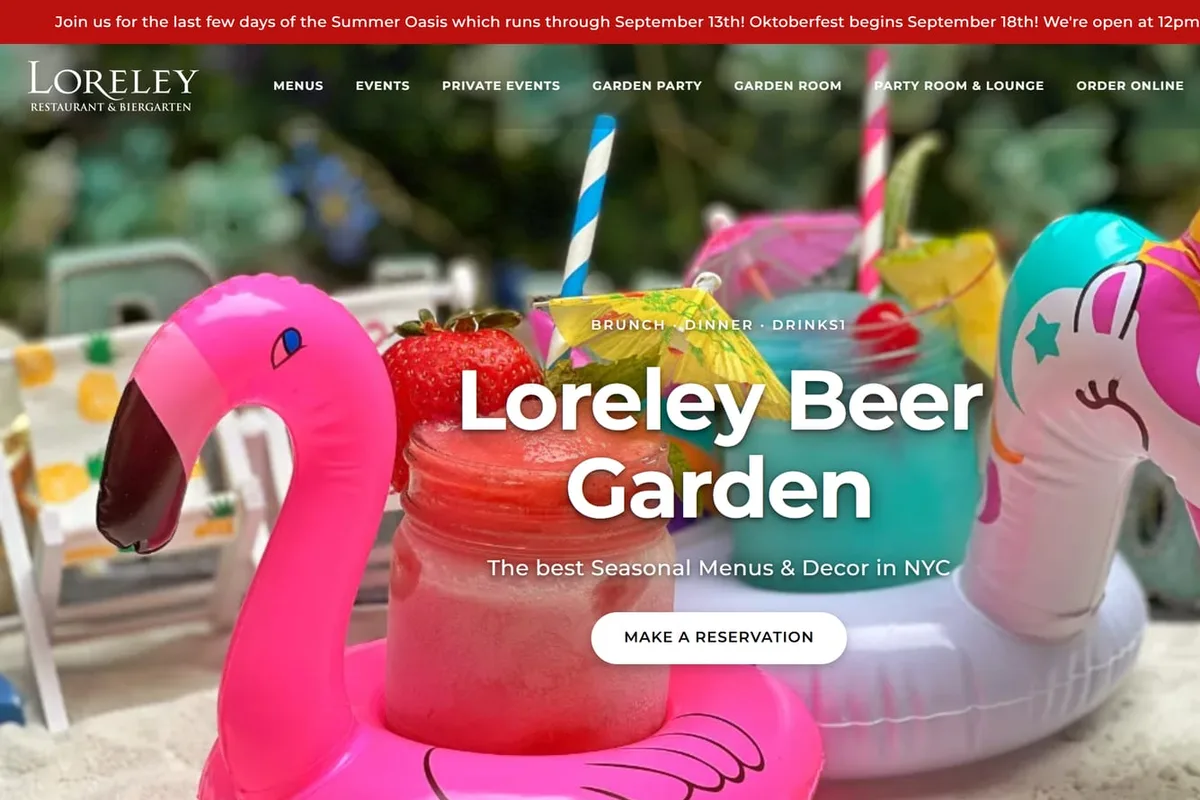
The beer garden in our case study shows that habit from its private party side. These are party inquiries, not table bookings, but they show which door people choose once they have already picked the place. In September 2026, 239 of its 338 party inquiries came through the form on its own website, and 44 came through a reservation platform. The rest arrived by web chat, email, Instagram messages, the phone and one walk-in.
Five months tell the same story at a larger size. From May through September 2026, 858 of the 1,163 inquiries came through the website form, against 192 through a reservation platform. Most of the beer garden's party guests, in other words, went straight to its own site, where Tableify takes no fee on any of them. On Tableify, party inquiries like these are answered by Nora, the AI event manager, until someone on staff steps in. The Loreley case study shows every channel and how each one was counted.
How a regular books a table on your site
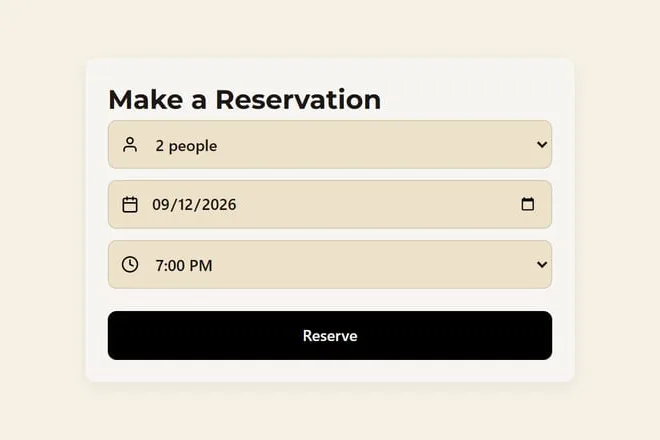
With Tableify the Reserve button lives on your own homepage, on your own domain, under your name. The guest chooses a date, a party size and a time, then fills in their details. A small countdown holds that table while they type, five minutes by default and ten when a deposit is due, so nobody else can take it. Your cancellation policy appears in your own words before they confirm, and where a deposit or a card on file applies, they handle it on the same screen.
Once your restaurant's own texting number is approved by the carriers, the guest gets a confirmation text, and a guest who has not confirmed gets one reminder, at 9am the day before or at noon on the day for a late booking. Where two-way texting is set up, they reply 1 to confirm or 9 to cancel, and a canceled table goes back online for someone else. The Tableify reservation system page covers shifts, pacing and tables held for walk-ins.
Every deposit, every late-cancel fee and any no-show fee your host charges to the card on file is paid into your own payment account. Tableify takes no cut of any of it. The no-show guide covers which nights are worth a deposit at all.
Putting your booking link everywhere regulars look
A regular reaches for whichever door is closest, so the job is making yours the closest one. Put the booking link at the top of your homepage, on your Google Business Profile, in your Instagram bio, in the signature of every email you send and in your reply to anyone who messages about a table. The Google Maps guide shows where the booking link sits on your listing.
Tableify builds that homepage for you, with the Reserve button on the first screen a guest sees; the restaurant website builder page shows the rest of the site. The same site can carry a page and an inquiry form for each private room, covered on the private event software page. And walk-ins never carry a fee: a QR code menu on each table counts every scan and, once your ad account is connected, reports it to your Facebook and Instagram ads as a visit.
Moving your bookings home without a gap
Start from the calendar. OpenTable's Core and Pro pages say the standard contract runs a year and renews unless you give 30 days notice, and its site says your guest data is yours to keep and export, so note the renewal date and ask for the file while the account is open. Setup on Tableify is done for you and usually takes two to four weeks: you send the menu, your hours, photos and a few lines about the place, and nothing goes live until you approve it.
On the day you switch, reservations already made stay where they were made, and every new booking lands on your own site. Our team brings your open party leads and past events into Tableify CRM, so the staff works from one list. The reservation system checklist lists what to settle before you sign anything new.
- Change every Reserve button the same morning: homepage, Google Business Profile, Instagram bio and email signature.
- Send regulars one short note with the new link, so the first week brings bookings instead of phone calls.
- Set deposit rules for large tables and holiday nights before the first booking arrives.
The door your regulars use, in pictures
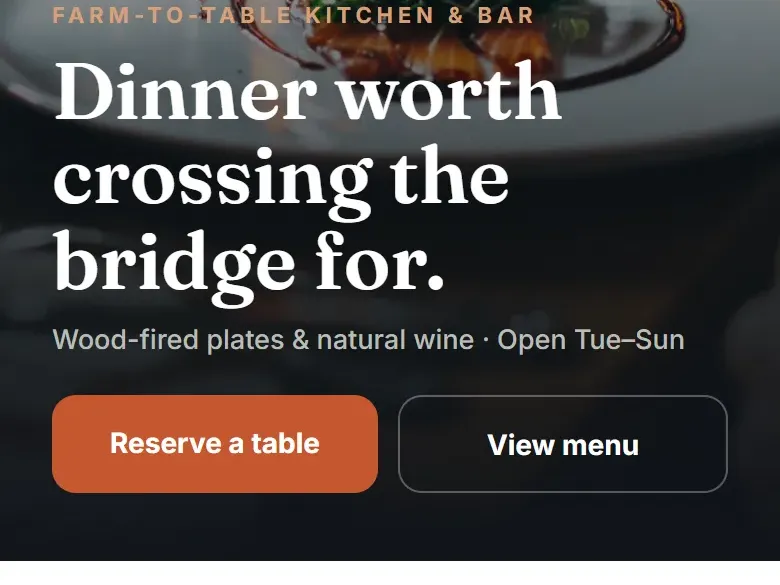
A homepage and booking box from the beer garden in our case study, plus a sample homepage design.
Questions about OpenTable fees and booking direct
How much does OpenTable cost for restaurants?
OpenTable's Basic plan page lists 30 days free for new customers, then $149 per month plus a per cover fee. Core and Pro print no price on their public plan pages, so that quote has to come from OpenTable in writing. Tableify is a flat price from $249/mo, with nothing added per cover. A month with twice the covers costs you the same.
What fees does OpenTable charge restaurants?
Its pages describe a fee for each seated cover on Basic, and on Core and Pro a fee on covers booked through its website, app or affiliate network, while bookings from your own website are free. The per cover rate was not printed on any page we could read in October 2026. On Tableify there is nothing per cover, per booking or per party to add up at the end of the month. The Tableify reservation system page shows how your own deposits and fees are set.
Is OpenTable free for restaurants?
Not after the trial. Basic is free for 30 days for new customers on a month to month term, then $149 per month plus a per cover fee. On Core and Pro, bookings from your own website carry no cover fee, but the plan itself is paid and runs on a one year contract. Tableify has one known plan price and no fee on any guest, so a record month never brings a record bill.
Do restaurants pay OpenTable when a regular books through the app?
On OpenTable's own FAQ, bookings made through its app, its website or its affiliate network are the ones that carry a cover fee on Core and Pro, and Basic charges for every seated cover. It does not matter whether the guest is new or has been coming for ten years. That is why the door your regulars use matters so much. On Tableify, a regular who books on your own site costs you nothing beyond the flat plan price.
How do I get regulars to book on my own website instead?
Make your own booking page the easiest one to reach. Put a Reserve button on the first screen of your homepage, then use the same link on your Google Business Profile, your Instagram bio and your email signature. Send regulars one short note with the link when you switch. Tableify builds the homepage and the booking page for you, so the link is ready on day one.
What is the best OpenTable alternative for a restaurant with loyal regulars?
The best fit for a room full of familiar faces is one that books them on your own website and charges nothing per cover. Tableify does that at one flat price, month to month, with deposits paid straight to your own account. It also answers private party inquiries through Nora and keeps every party on one list. The reservation system checklist lists the questions worth asking any system.
Can I switch from OpenTable to Tableify without losing bookings?
Yes, if you plan the move around your contract dates. OpenTable says your guest data is yours to keep and export, so ask for it before the account closes. Bookings already made stay where they were made, and from your start date every Reserve button points to your own site. Setup is done for you in two to four weeks, and you approve it before anything goes live.
Does Tableify charge per cover or per booking?
No. Tableify is one flat monthly price, month to month, and you can cancel anytime. There is no fee per cover, per booking, per party or per deposit. Money a guest pays, from a table deposit to an event invoice, goes into your own payment account.
Bring your regulars home.
See what a diner finds on Google and in AI answers when they look for a table like yours. Free, about a minute.
Rather talk it through? Book a quick call