Guide · 11 min read
Menu SEO: rewrite your menu so search can read it
Guests search for dishes, not just restaurant names. Here is one menu rewritten line by line, so search engines and AI assistants can read every dish on it.
The short answer
Menu SEO means rewriting your restaurant menu so search engines and AI assistants can read it. Put every dish on the page as text, name each one in the words guests search, add the needs they filter by, give each section a heading and a link, and label the menu so a search engine knows a dish from a price.
- Every dish written as text, never only a file.
- Plain words beside every clever dish name.
- One link for each section of the menu.
At a glance
- Best format
- Text on a web page
- Every dish line needs
- Name, what is in it, price
- Worth adding
- Vegan, gluten-free, spicy, where true
- Each section gets
- A heading and its own link
- Google's menu field
- A link to your menu page
- Special result for menu labels
- None from Google today
Check what search can read today
Open your menu the way a guest does, from your website and from your Google listing, on a phone. Is it a page of words, a PDF, or a photo of the printed menu? Try to select one dish name and copy it. If the words will not select, a search engine is working from a picture.
Write down every place your menu lives: the site, the listing, the table code, the social profiles. Each is a copy you will update later.
Do this todayPaste a copied dish name into a search bar with your town. What comes up is what guests see.
Rewrite three dishes, before and after
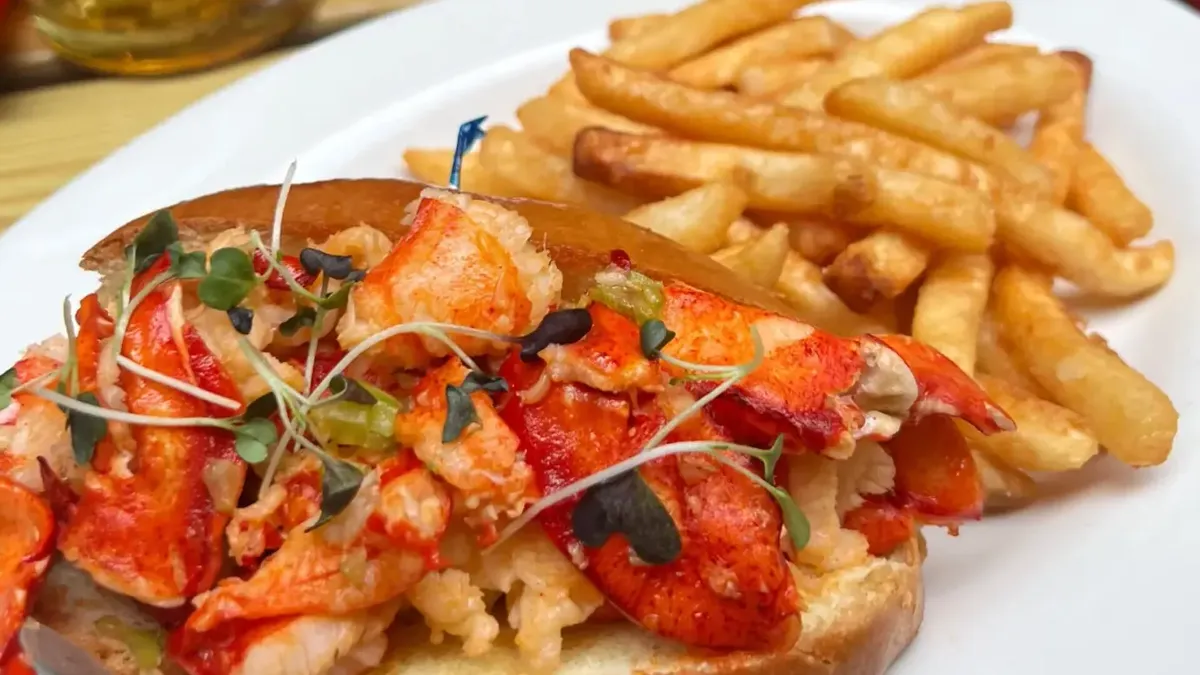
Start small: pick your three best sellers and rewrite only their lines. Keep the house name if guests love it, then add the plain words after it: the main ingredients, how it is cooked and what comes with it. A guest searching for a lobster roll needs the words lobster roll somewhere on the line.
The in-depth section below shows three lines rewritten. Do yours the same way, then the rest of the menu.
Do this todayRead each new line aloud to someone who has never eaten with you. If they ask what it is, add the words.
Say the need in plain words
Many dish searches carry a need: gluten-free, vegan, spicy, nut-free, halal. A guest with a need searches for that word, and an assistant answering them looks for it written on the menu. Add a short mark beside each dish where it is true, and an allergen line where it helps.
Mark only what the kitchen can promise, and check the marks whenever a recipe or a supplier changes.
Asked an AI assistantYou don't appear
Gluten-free pasta near me for dinner tonight?
- 1.The trattoria on Elm StreetGluten-free pasta on request, marked on the menu.
- 2.The pasta bar by the fountainFresh pasta daily, two gluten-free shapes.
- 3.The Italian kitchen downtownGluten-free dishes listed online with prices.
Your restaurant: not mentioned
Do this todayAsk the kitchen to check every mark on the menu before it goes live.
Give each section a heading and link
Brunch, Cocktails, Starters, Kids: each section deserves a real heading in the words guests use, and its own link. Then a link you send for brunch lands on brunch, and a guest who searches for cocktails lands at the cocktails, not at the top of dinner.
On a Tableify menu, every menu and every section has its own heading and its own link on the one menu page.
Do this todaySend a regular the link to your brunch section. If it opens on dinner, fix the link.
Label it, then point every link there
Behind the words, a menu page can carry labels guests never see: menu, section, dish, price. Tableify adds them on every site it hosts. Then point the menu link on your Google listing at the page, never a file.
Do the same everywhere else: your homepage, booking confirmations, social profiles and the code on each table.
Do this todayOpen your menu from your Google listing on a phone on the first of every month.
A menu search can read
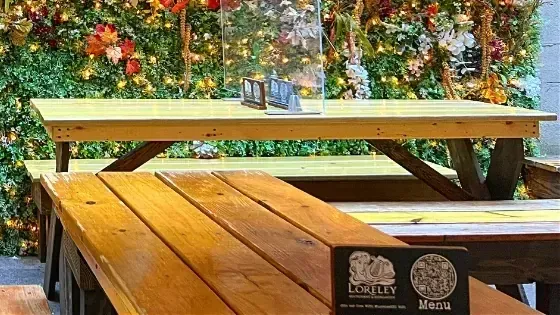
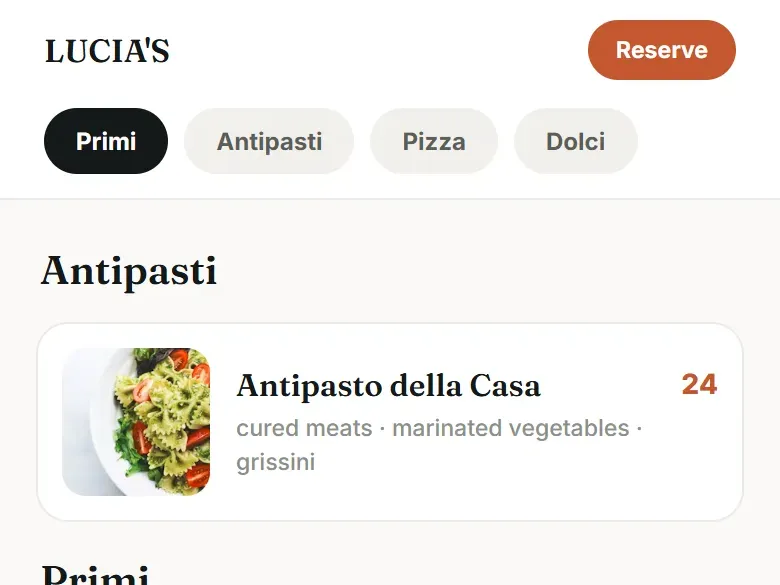
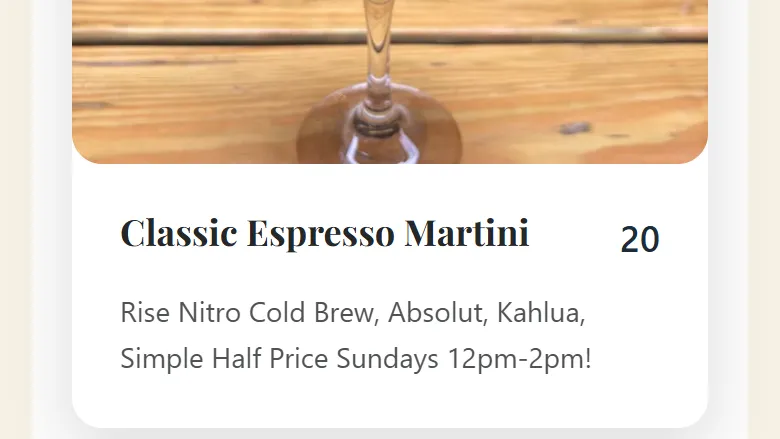
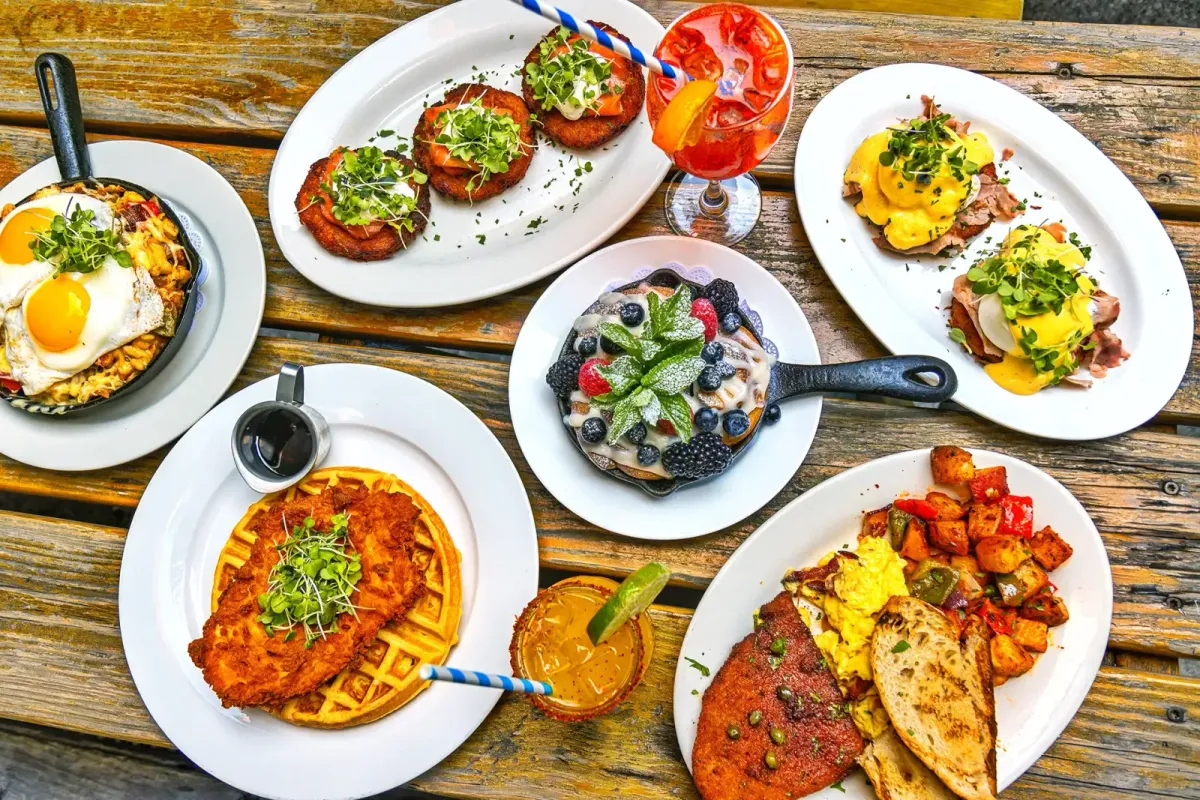
A sample menu with a made-up restaurant, a real drink card on a Tableify menu, and dishes from a restaurant photo shoot.
Menu SEO, in depth
Three dish lines, before and after
Here is the rewrite from step two, on three made-up dishes. Each before line is the kind printed on menus everywhere: short, clever, and close to empty for anyone who has not eaten there. Each after line keeps the house name and adds what a guest would type into a search bar.
- Before: The Bridge, 18. After: The Bridge, a dry-aged beef burger with raclette, charred onion and fries, 18.
- Before: Grandma's Sunday, 26. After: Grandma's Sunday, short rib braised six hours over soft polenta with gremolata, 26.
- Before: Garden Bowl, 15. After: Garden Bowl, roasted squash, farro, kale and tahini dressing. Vegan, 15.
Why the after lines work
Each after line answers the three questions a guest has before ordering and a search engine has before matching: what is it, what is in it, and what does it cost. The words burger, short rib and farro bowl are the words people search for. The house names stay, because regulars ask for them, but they no longer stand alone.
Notice what the lines leave out. No delicious, no amazing, no mouthwatering: words that could describe any dish tell a reader nothing and give a search engine nothing to match. The cooking method earns its place because guests search for it, braised and wood-fired and dry-aged among them. The need goes last, short and plain: vegan, gluten-free, spicy. And every line ends in a price written the same way as every other price on the menu.
Keep the length steady. One line under each dish name is enough for most of a menu. A signature dish guests travel for can carry a second sentence about where the beef comes from or how long the sauce cooks, because that sentence is often what gets quoted when a guest asks an assistant where to find the dish.
What a search engine sees in a PDF menu
A PDF made from a design file usually holds real text, and a search engine can often pull the words out, but it reads them as one long document with no idea which line is a dish and which is the address in the footer. A scanned PDF or a photo of the printed menu is worse: the words are only shapes in a picture, and a search engine may read none of them at all.
Guests feel the same problem from the other side. A PDF downloads before it opens, sits sideways or tiny on a phone, and needs pinching to read. A menu written on the page opens like any page, in type sized for the screen. The written menu serves both readers at once, which is why it is the one version every other copy should link back to.
Free · about a minute
How do guests find you today?
Type your restaurant's name. The free report shows how you come up on Google and in AI answers, next to the places near you.
FreeAbout a minuteNo card
Sections, links and when to split a page
For most restaurants the right shape is one menu page with a heading for each menu and each section, and a link straight to each one. A guest can jump to brunch, you can send someone the cocktails, and a search engine sees a page that is clearly organized. On a Tableify menu, every menu and section has its own heading and link on that one page.
Split into a separate page when a menu answers a different decision. Catering, private event packages and a holiday prix fixe are chosen by planners with their own questions about headcount, minimums and dates, and they read better on pages built for that choice; the private event pages are where packages for each room belong. A dish guests travel across town for can earn a page of its own too.
What Google's own guidance says about menus
Google's documentation for restaurants describes a short set of facts a restaurant page can label: among them a link to the menu and the cuisine served. It also makes clear that Google shows no special search result for labeled menus, sections or dishes. Labels do not buy a fancy result, and anyone who promises one is guessing.
What the guidance does support is plain: a menu that lives at its own address, linked from the restaurant's details and from its Google Business Profile, where the listing has a field for exactly that link. Point that field at the menu page, never at a file, and check it after every redesign. Nobody can promise a position in the results. A menu that is easy to find, easy to read and easy to link removes the reasons a search engine would pass it over.
The labels, in plain words
Behind a well-built menu page sits a set of labels guests never see. In plain words they say: this page is a menu; this heading is a section called Brunch; this line is a dish called Short Rib; this number is its price, in dollars. Without them, a search engine has to guess where the dishes stop and the opening hours begin.
The same labels help AI assistants, many of which read only the words a page arrives with and answer from them. A dish that is labeled as a dish, with its price beside it, is much easier to repeat correctly than a line floating in a block of text. Tableify adds these labels to the menu on every site it hosts. If someone else runs your site, ask whether the menu is labeled this way; it is a yes or no question. The guide to AI answers covers what else assistants read.
Prices, sizes and keeping the rewrite true
Put a price on every line, in one format, without dollar signs on some and not others. Sizes and add-ons belong on the same line, a half or a whole, add shrimp for six, so the number a guest reads is the number they pay. A menu with missing prices reads as unfinished, and an assistant asked about budget has nothing to go on for a dish with no price.
Then keep it true. Change the page the day a dish or a price changes, take a retired dish off rather than leaving a note, and remove a special when it ends. On a Tableify site your old menu is imported from a PDF or photos to start, and from then on one edit updates the menu page; Tableify Mobile Menus shows everywhere else that edit reaches.
PDF or text
A PDF menu next to a menu written as text.
The same menu in three forms, and what each one gives a guest on a phone and a search engine reading the page.
| What matters | Menu written as text | A PDF menu | A photo of the menu |
|---|---|---|---|
| Search engines can read each dish | Yes:Every word is on the page | Varies:Sometimes, as one long document | No:Words locked inside an image |
| Easy to read on a phone | Yes:Type sized for the screen | No:Pinch and zoom | No:Pinch and zoom |
| Opens quickly at the table | Yes:Loads like any page | Varies:A download comes first | Varies:A large image file |
| A link for each section | Yes:Jump straight to brunch | No:One file, one link | No:One image, one link |
| Labeled as dishes and prices | Yes:Menu, section, dish, price | No:No labels | No:No labels |
| Changing one price | Yes:One edit on the page | Varies:A new file, uploaded again | Varies:A new photo |
| A copy for printing | Yes:Print a PDF from the page | Yes:Made for paper | Varies:Only as a photo |
Keep a PDF for printing if guests like one, linked from the text menu. It should never be the only version.
Questions about menu SEO
What is menu SEO?
It is the work of making your menu readable to search engines and AI assistants, so a guest searching for a dish near them can find yours. In practice it means the menu written as text on a web page, dish lines in the words guests search, needs like gluten-free marked where true, and a heading and link for each section. Labels behind the page tell a search engine which line is a dish and which is a price.
Should I keep my PDF menu?
Keep it if guests like to print it or you hand it out at events. Just never let it be the only version: the same menu belongs on the page as text, with the PDF linked underneath. When the menu changes, change both on the same day so they never disagree.
How do I get my menu to show up on Google?
Put the menu on your website as text, label it as a menu, and point the menu link on your Google Business Profile at that page rather than a file. Google may also show menu photos guests upload, so keep your own version the most complete. Nobody can promise a position in the results. The restaurant SEO guide covers the rest of the site.
Do menu labels get my restaurant a special search result?
No. Google's documentation says it shows no special result for labeled menus, sections or dishes. The labels still help, because they tell search engines and assistants which words are dishes and which are prices. Think of them as removing guesswork, never as a shortcut to a fancier listing.
What should a menu description say?
What the dish is, its main ingredients and how it is cooked, in the words a guest would type. Add dietary marks like vegan or gluten-free only where they are true. Keep it to one line where you can, and skip words that could describe any dish, like delicious.
What is the best free website to create menus for restaurants?
Any tool that publishes the menu as text on a real web page beats a PDF, so start there. Check three things before you choose: that each dish is published as words, that the menu reads well on a phone, and that it sits on your own web address. Ask whether it adds the labels search engines read and whether each section gets its own link. Then count the hours you will spend keeping it current, because that upkeep is the real cost.
Should I put prices on my online menu?
Yes. Guests decide where to eat partly on price, and an assistant asked about budget can only repeat the prices it finds written down. Write every price the same way and keep them current. An old price online is a promise someone will ask you to keep.
How do QR code menus fit into menu SEO?
A table code should open the same menu page search engines read, never a file to download. That way the guest at the table and the guest at home read the same words. On Tableify, each code counts its scans by day and by placement, and the walk-in tracking page shows how scans can reach your ads. If you take orders, link them from the menu page: online ordering with no commission.
Check how your menu reads.
See whether your dishes read as text and come up when guests nearby search Google or ask an AI assistant. Free, about a minute.
Rather talk it through? Book a quick call