Walk-in tracking
Track walk-ins from your ads with a QR code menu
A guest sees your ad on Tuesday and sits down at table 12 on Friday. The code on the table reports that visit to your Facebook and Instagram ads.
FreeAbout a minuteNo card
The problem
The ad worked. Nothing says so.
A booking leaves a record and a tap leaves a record. A guest who simply walks in leaves nothing your ads can see.
No trace
The visit leaves no record
The guest saw your video on Tuesday and came in on Friday. No click, no booking, nothing reaches your ad account.
Wrong lesson
Ads learn from taps
With no visits to learn from, the platform chases people who tap, and they are not always the people who come in.
Guesswork
Budgets set by a hunch
Two campaigns ran and the bar was full on Thursday. Nothing tells you which one to keep paying for.
Most walk-ins start with a question on a phone.
A guest asks for a quick bite near the theater, picks a place and walks over. Nothing is booked, so the menu they open at the table is the first trace the visit leaves. A menu that opens on any phone is where the count begins.
Asked an AI assistantYou don't appear
Somewhere for a quick dinner and a drink before the 7:30 movie, walking distance?
- 1.The burger bar across from the theaterCounter seats, food out in about 15 minutes.
- 2.The noodle shop on Second StreetNo reservations, tables turn fast.
- 3.The taproom by the parking garageTwenty beers on tap and a short food menu.
Your restaurant: not mentioned
One walk-in, start to finish
Tuesday: why the ad gets no credit
An ad platform can only credit what it can see. A tap on a link, a call button, a booking or a purchase on a website each leaves a signal the platform reads back and ties to the ad that came before it. A guest who watches your happy hour video on Tuesday, remembers it on Friday and walks in at six leaves no signal at all. The visit happens, the check gets paid, and the campaign that caused it reports nothing.
That gap costs more than a line in a report. With no visits to learn from, the platform spends your budget on the people most likely to tap, who are often not the people most likely to walk in. You see a cheap cost per click, a quiet Thursday and no way to say which of your two campaigns filled the bar on Saturday.
For a restaurant that lives on walk-ins, this is most of the business. A taproom, a cafe, a lunch counter or a neighborhood spot with a patio may take a few bookings a week and hundreds of guests who simply show up. When those guests are invisible to your ads, the ads are judged on the smallest part of what they do.
Friday, table 12: what one scan records
The guest sits down at table 12 and points a phone camera at the code on the table tent. Your menu opens, and one scan is counted under that code, on that day, at that placement. A placement is simply the name you give a code, so "Table 12", "Patio" and "Bar top" each keep a count of their own. Every code shows its total, this week and a 30-day chart, and your busiest placements are ranked side by side.
The record is small on purpose. A scan keeps the time, the kind of phone and a rough region, never the guest's internet address, and it is deleted after 180 days. There is no app to download and no account to create: the code opens an ordinary web page with your menu written as real text, a photo and a price beside each dish.
Read the count as a steady signal. Every scan adds one, so a guest who opens the menu twice counts twice. Because it is the same kind of count every week, its movement is what tells the story: scans that climb while an ad runs and settle when it stops say something a guess never could.
The same moment: an in-store visit reaches your ads
The link inside every code carries an ad-credit tag. It is always on; it is not a setting someone can forget to switch on. Once your Facebook and Instagram ad account is connected and the walk-in result is set up in it, which our team does with you once, each scan at table 12 is reported to that account as an in-store visit.
Tableify sends the visit and nothing more. It never learns the guest's name and never decides which ad earned the visit. That matching happens inside the ad platform, under its own rules: it checks whether the person who scanned had seen or tapped one of your ads, and if so it credits the visit to that campaign.
Campaign tags you add to a code also show up in your website numbers, so a code printed on a flyer, a window sign or a poster at the bus stop can be read the same way as the one on the table.
A week later: the credit beside each campaign
The visits your ad platform credits appear in your Tableify account next to each campaign's clicks and spend, so one screen answers a question that used to take three. Give it two or three weeks before you move money. One busy Saturday after a street fair says more about the fair than about the ad, so compare the same days of the week and note the outside events that bring crowds of their own.
Your dashboard can also turn credited visits into a dollar estimate: the visits the platform credits, times an average walk-in value you set. With sample numbers, 40 credited visits at a $35 average reads as $1,400. It is an estimate, not checks matched to guests, so set the average from your own sales and keep it on the low side. A modest figure that holds up beats a big one nobody believes.
The useful question is rarely what an ad made to the dollar. It is which campaigns bring people through the door and which only bring taps, and credited visits answer that well enough to stop paying for the second kind.
Free · about a minute
How do guests find you today?
Type your restaurant's name. The free report shows how you come up on Google and in AI answers, next to the places near you.
FreeAbout a minuteNo card
The next month: campaigns that aim for the door
With visits coming in, set up a walk-in goal and run campaigns that aim for it instead of clicks. The platform then looks for more people like the ones who came in and scanned, which is exactly the audience a walk-in restaurant wants. It needs some volume to learn, so give a campaign a few weeks and resist changing it every other day.
A goal can be built from all of your codes or from a single one. If the patio is the part of the room you most want filled on summer weeknights, build the goal from the patio code, and the campaign learns from the guests who actually sat out there.
Later: the guests who scanned become an audience
Guests who scanned at your tables can be gathered into a "scanned the menu" audience, kept for 90 days by default and up to 180. Show them a follow-up ad weeks later: the weekday lunch special for the office crowd who came in on a Friday, the trivia night for the Sunday regulars, the private room for the guest who arrived with ten friends.
These are people who have already sat at your tables, so the ad is a reminder rather than an introduction. If you would rather not build the ads yourself, Dex, the AI ads specialist, builds them from your content and launches them only on the budget you approve.
Placing codes so table 12 really means table 12
One code for the whole room tells you how many scans happened. One code per area tells you where. Give the dining room, the bar, the patio and the takeout window their own codes, or give each table its own, and the daily counts start answering real questions: does the patio crowd come from the summer ads, does the bar fill on its own.
Put the tent where the menu is needed, in plain sight at the moment a guest decides what to order. A code hidden behind a candle does not get scanned, and a tent that tips over on a windy patio ends up in a bus tub. Our team designs print-ready table tents around your code and your photos. When the menu changes, change where the code points; the printed tents stay put, and a code you switch off sends guests to your homepage.
- Dining room: one tent per table, facing the seat a guest takes first.
- Bar top: a code every few seats, low enough to read without leaning over a drink.
- Patio: a weighted tent, or a sticker on the table itself.
- Takeout window: a code by the register for guests reading while they wait.
Where walk-in tracking pays off most
It earns its place when most of your guests walk in and you advertise on Facebook or Instagram, or plan to. Bars, taprooms, cafes, slice shops with seating and neighborhood spots with a patio fit that description. Even before the first ad runs, the codes count scans by table, window and bar and open a menu guests can read. Skip it only if you never want to know whether your ads bring people through the door.
Walk-ins and bookings live side by side on the same site. Guests who plan ahead use the reservation system on your own website, and the same pages help hungry guests find you before they walk over; the restaurant SEO guide covers that side, and the fit checklist walks through the rest.
Three ways to tell
Did the ad bring them in?
Restaurants try three ways to connect a walk-in to an ad. Only one reaches the ad account on its own.
| What you need | A QR code menu scan | Asking guests at the table | A coupon code in the ad |
|---|---|---|---|
| Counted without staff remembering | Yes:Every scan adds one by itself | No:Depends on a busy server | Varies:Only when a guest redeems |
| Tied to a spot in the room | Yes:Per code: table, patio or bar | Varies:If someone writes it down | No:Shows the check, not the seat |
| Reported to your ad account | Yes:As an in-store visit | No:Stays in a notebook | Varies:Typed into a spreadsheet later |
| Ads can learn from it | Yes:Campaigns can aim for scans | No:No signal reaches the platform | No:No signal reaches the platform |
| Keeps full price | Yes:No discount needed to count | Yes:No discount needed | No:Counts only when you discount |
| Builds a follow-up audience | Yes:Kept 90 days, up to 180 | No:Nothing to build from | No:Nothing to build from |
| Changes without reprinting | Yes:Point the code somewhere new | Varies:A new line for staff | No:A new code means a new ad |
Scans are reported to Facebook and Instagram ad accounts once the account is connected and the walk-in result is set up.
Setting it up
Three things happen once.
After that, every scan at every table does the work, and nothing changes for your staff.
1
We design the table tents
Our team builds print-ready tents around your code and your photos, one code per table or per area of the room.
2
We connect your ad account
Link Facebook and Instagram once, and we set up the walk-in result with you so each scan reports as an in-store visit.
3
You read visits by campaign
Credited visits sit beside each campaign's clicks and spend, on the same Tableify website account that runs your menu.
The ad, the table, the menu
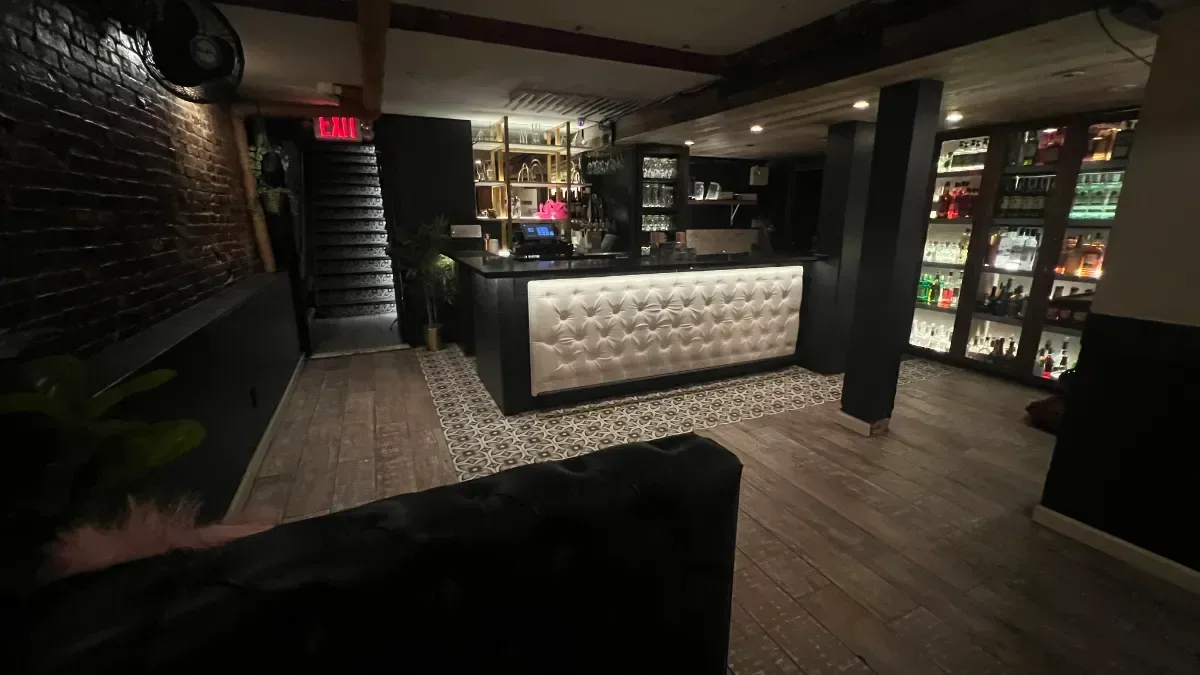
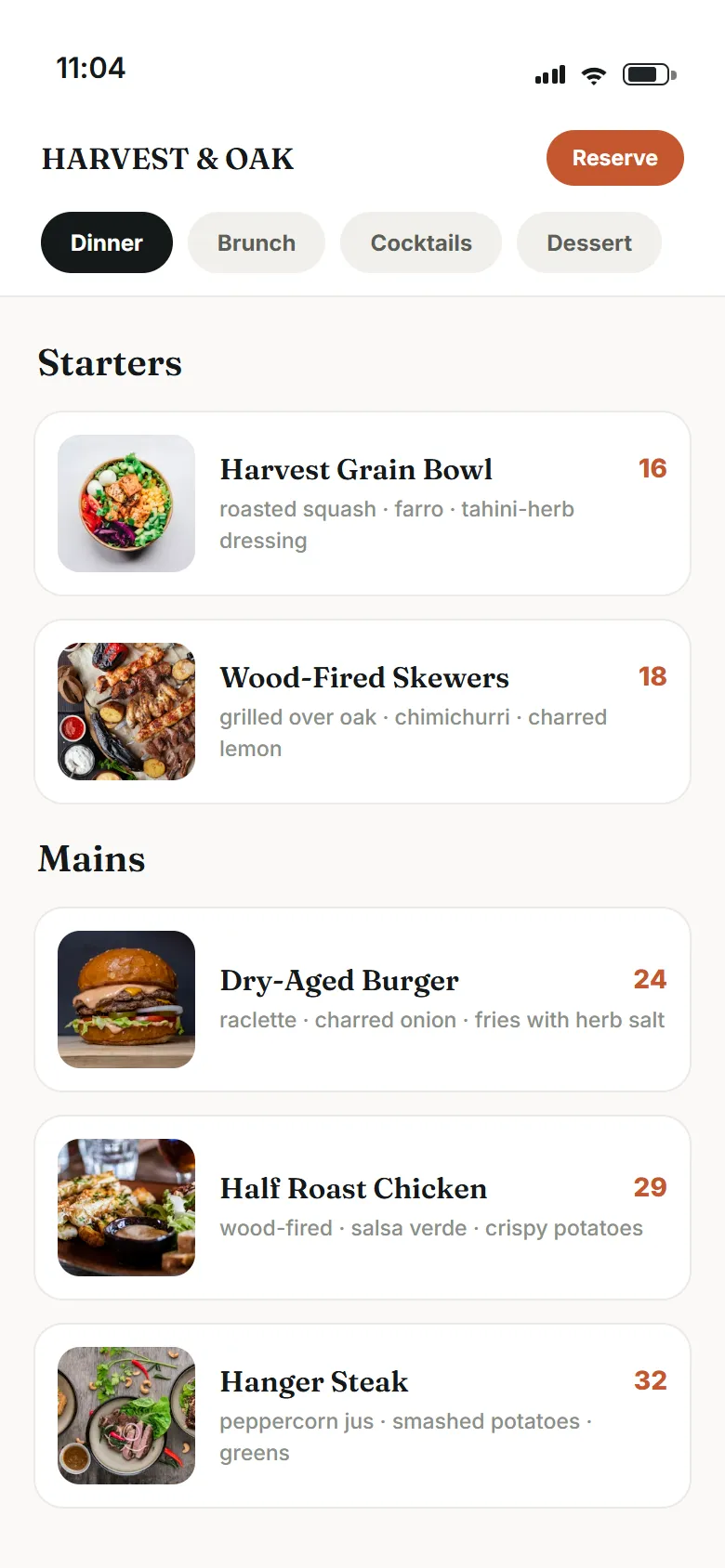
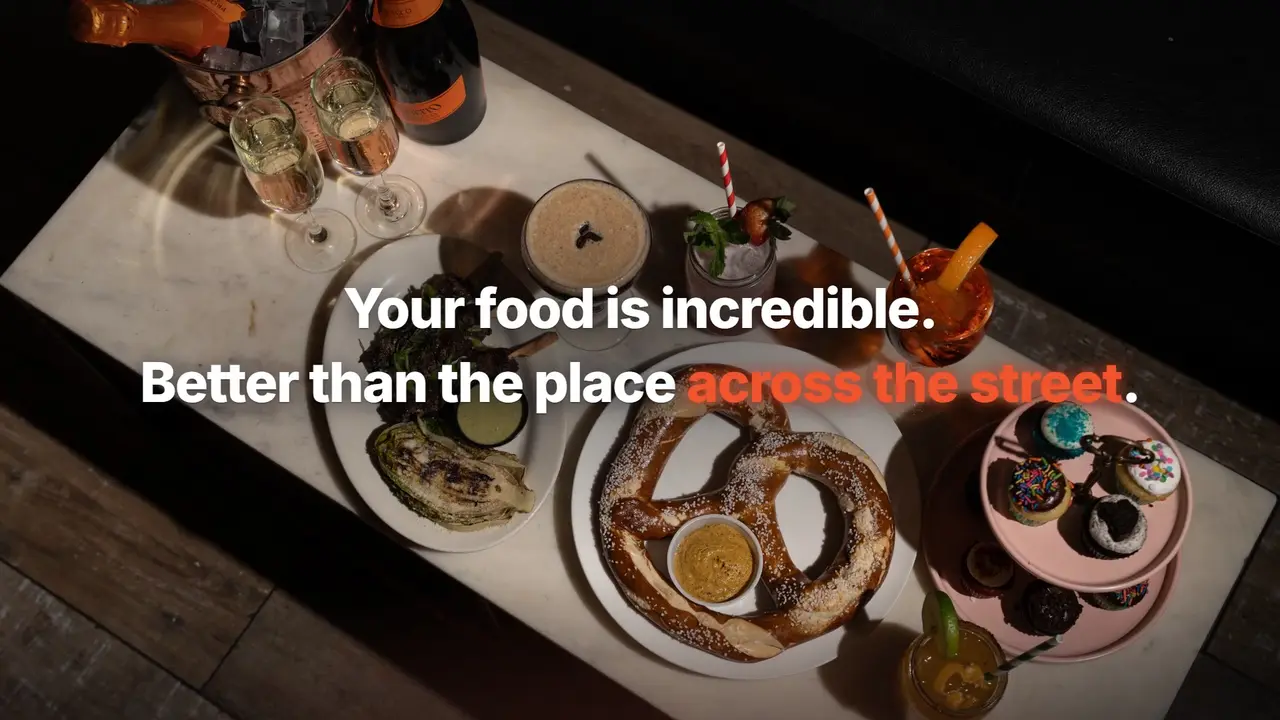
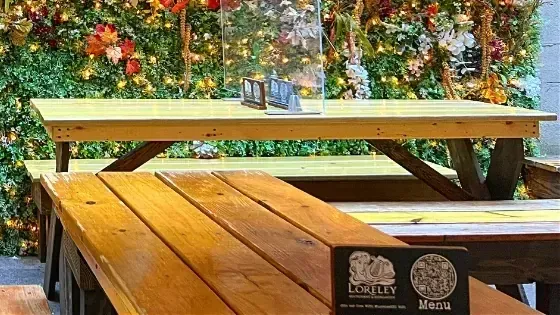
Three moments in one walk-in: the kind of picture a guest scrolls past, the table they sit at, and the page a scan opens.
Questions about tracking walk-ins
How do you track walk-ins from ads?
Put a QR code that opens your menu on each table. When a guest scans it, the scan is counted and reported to your Facebook and Instagram ad account as an in-store visit. The ad platform then checks whether that person saw one of your ads and, if so, credits the visit to the campaign. You see the credited visits next to each campaign in your Tableify account.
What exactly does a scan count?
Each time a guest opens the menu from a table code, one scan is added under that code, that day and that placement. Every scan adds one, so a guest who scans twice counts twice. The count is a steady signal of how often guests open the menu at each spot. Watch how it moves from week to week, especially while an ad is running.
Is Tableify worth it if most of my guests are walk-ins?
Yes, and walk-in restaurants are who this was built for. The QR code menu turns walk-ins into something your ads can be judged on, and the same menu pages help guests find you on Google Maps before they walk over. Even with no ads running, the codes show which tables, windows and bar seats get used. The fit checklist walks through the rest of the decision.
How is walk-in revenue estimated?
It is the visits your ad platform credits, times the average walk-in value you set. It is an estimate, not matched to individual checks, and it is labeled that way. Set the average from your own sales and keep it conservative. Then the number holds up when you compare it with the register.
Do guests need an app to scan the code?
No. Any recent phone camera opens the code, and the menu loads as a normal web page. There is nothing to download and no account to create. Guests who would rather not scan can still order from a printed menu or from your staff.
Can I change the menu without reprinting the table tents?
Yes. The code points to a link you control, so you can send it to a new menu, a seasonal page or a special without touching the printed tents. The scan counts carry on under the same code. You can also switch a code off for a while, and a code that is off sends guests to your homepage.
Does Tableify know who the guest is?
No. Tableify counts the scan and reports the visit to your ad account; it never matches a guest to an ad. The ad platform does that matching on its own side, under its own rules, and only tells you how many visits it credits to each campaign. On our side, a scan record keeps the time, the kind of phone and a rough region, and is deleted after 180 days.
How long before the walk-in numbers mean something?
Give it two or three weeks before you move budget. Daily scans swing with the weather, street fairs and game nights, so compare the same days of the week. A campaign aimed at walk-ins also needs a few weeks of visits before the platform learns who to show it to. After a month you can see which campaigns bring people through the door.
Count the walk-ins your ads bring.
See how guests nearby find your restaurant on Google and in AI answers, before they ever walk in. Free, about a minute.
Rather talk it through? Book a quick call