Tableify Smart Site
Tableify Smart Site: a link in bio page for restaurants
Your Instagram profile link, on your own domain. Tap one opens the page; tap two opens the room, the menu or the table. Every tap reaches your ad accounts.
FreeAbout a minuteNo card
Where tap two lands
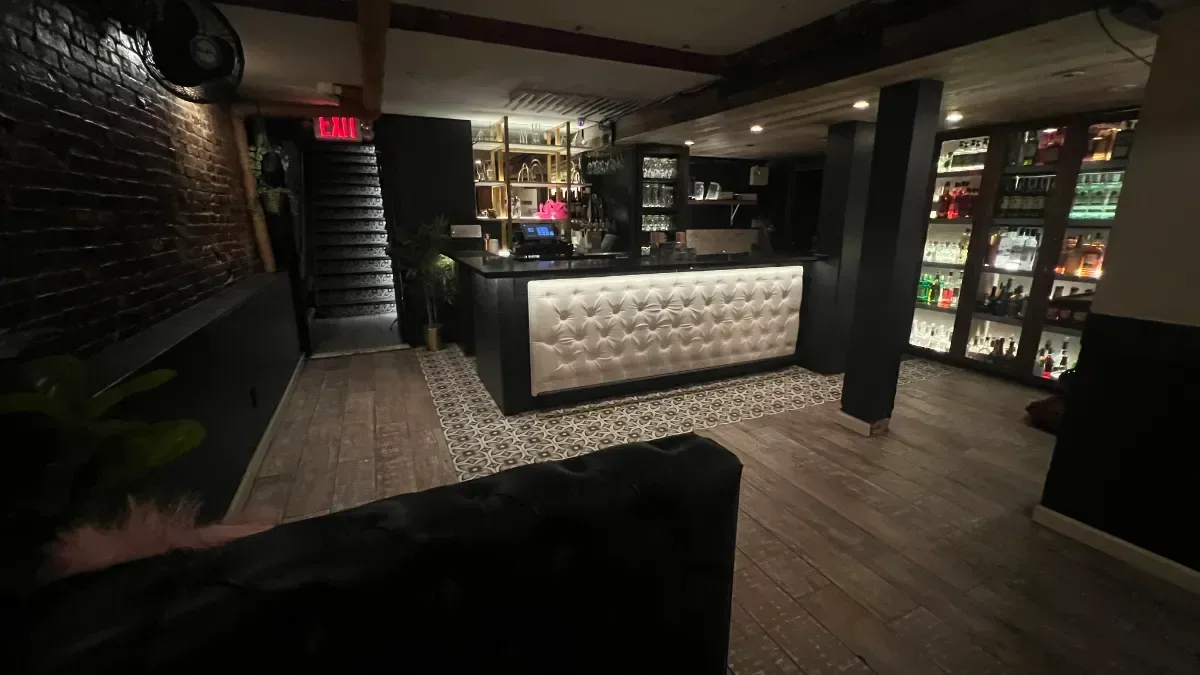
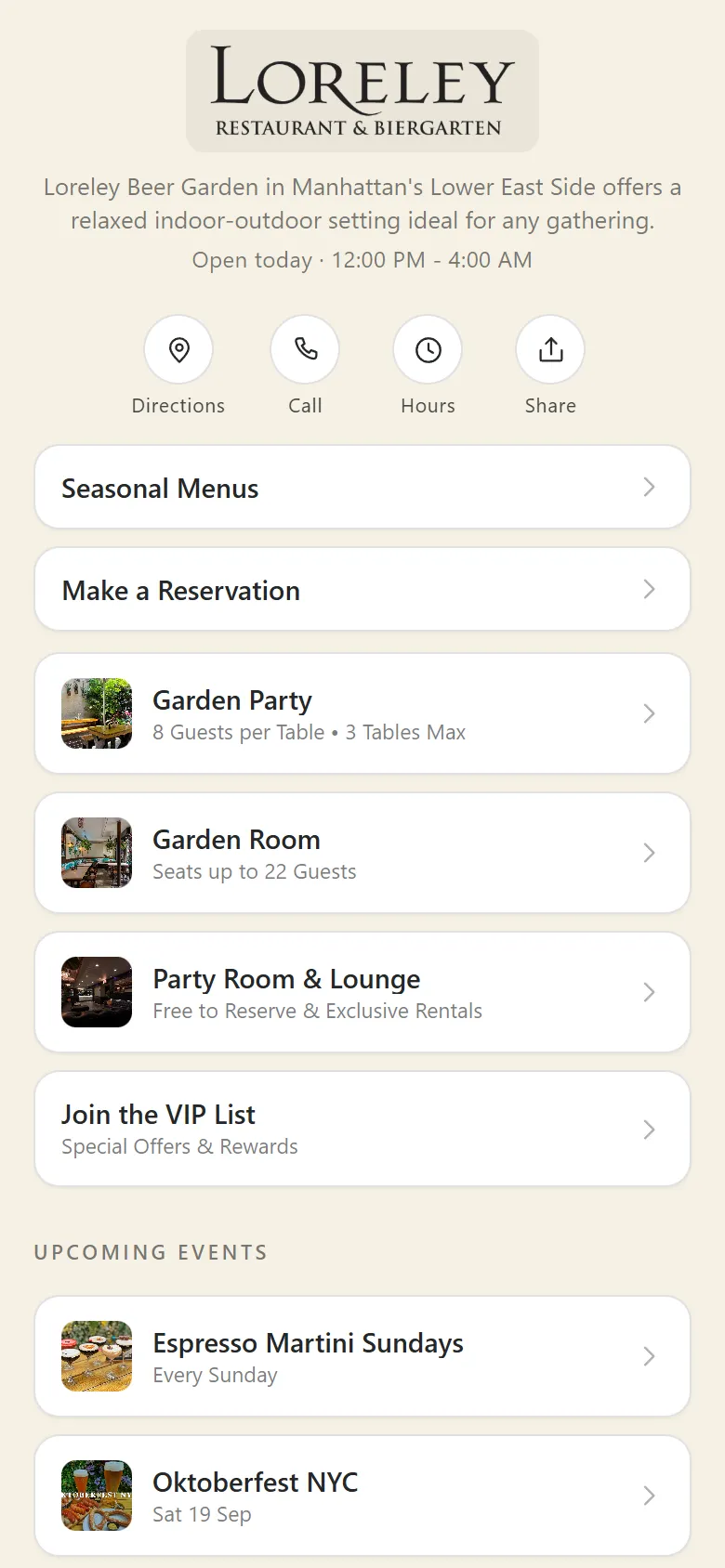
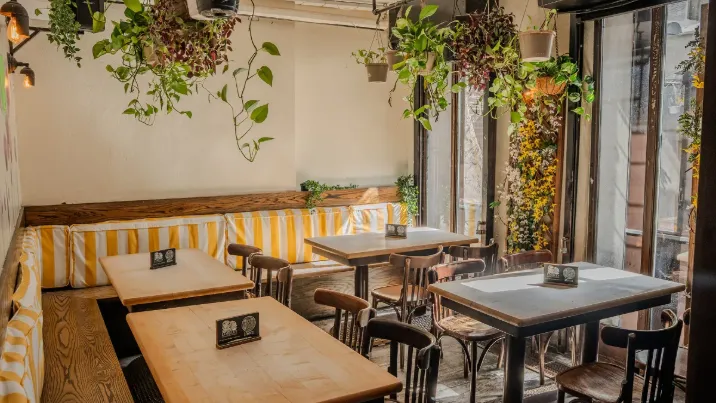
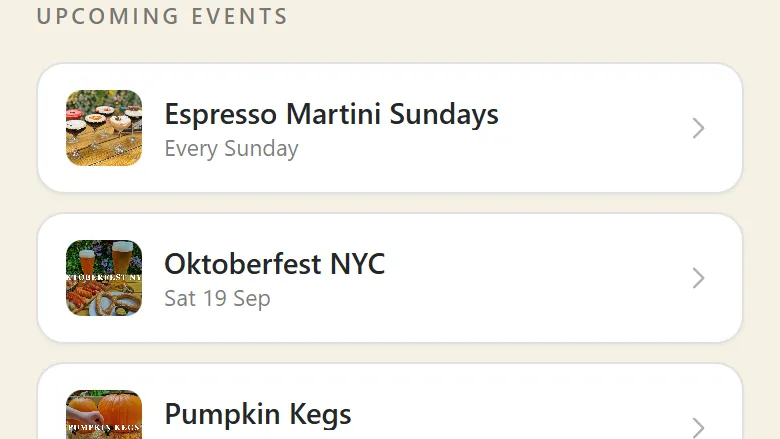
Screens from a Tableify Smart Site at a New York restaurant and the pages its buttons open, captured on a phone in October 2026.
How it works
From the profile to a booked room in two taps.
The guest never hunts through a homepage. Each tap ends somewhere they can act.
1
Tap one: your profile link
The page opens fast inside Instagram's own browser, with today's hours, your address and quick buttons up top.
2
Tap two: the thing they came for
A room, the menu, an event or booking, each opened in the same look with a way back.
3
Then: the form or the table
The inquiry form or booking opens in place, and every tap along the way reaches your ad accounts.
The problem
The link in your profile is where guests decide.
Many restaurant profiles point at a homepage built for a desktop, or at a list of links that knows nothing about the restaurant.
Slow
A desktop homepage, squeezed
Instagram opens links in a small browser of its own. A heavy homepage there can lose a guest before the menu appears.
Blank
A list that knows nothing
A plain list of links cannot say tonight's hours, which room fits 20 or what is on this Friday.
Unmeasured
Taps your ads never see
A guest taps through from a post, and your ads never learn whether they wanted the menu or a table.
This is how guests search. The bio page is where they land next.
The sample below shows the search, not the Smart Site: assistants name places from their websites and listings, and the Smart Site stays out of search on purpose. Its work starts one step later, when the guest opens the profile of a place they just heard named and taps the link. Being named is the job of your website and listing.
Asked an AI assistantYou don't appear
Good spot for drinks and snacks after work near the river, somewhere with outdoor seats?
- 1.The taproom by the ferry dockPatio tables and a short bar menu.
- 2.The wine bar on Water StreetSmall plates, happy hour until 7.
- 3.The rooftop bar by the old pierLong tables, pretzels and sausages.
Your restaurant: not mentioned
Inside the Smart Site
Tap one: what the guest sees first
A guest who taps the link in your Instagram profile is not browsing. They saw a post, or heard your name from a friend or an assistant, and they want one thing: the menu, a table, the room for a birthday, or whether you are open right now. The Smart Site is built for that moment. It is one page at your own domain followed by /bio, and it opens quickly inside the small browser Instagram and other social apps use.
The top answers the first questions before the guest scrolls: your logo or name, a one-line tagline of up to 80 characters, today's hours, your address and your phone number. Tapping the address opens directions and tapping the number dials it. A thin banner above can carry an announcement, like a holiday closing, or today's hours. Under it sit up to four round quick buttons, chosen from directions, call, text, hours, share and a link to leave a Google review.
Tap two: buttons that open the real thing
Below the top come the buttons that do the work. Each one is a link, a room, an event, the menu, online ordering, your inquiry form, booking or a section heading. A button can be a simple row, one large featured row per page, or a photo tile, and a section can stack its buttons or let guests swipe through them.
None of those buttons hold a copy of anything. A room button points at the room in your account, so the page it opens shows the room's photos and details as they are today. Change the room's capacity, add a dish to the menu or move Saturday's event, and the Smart Site follows with no second edit. Every page a button opens wears the same look as the bio page, with a bar at the top that leads back and keeps the quick buttons for directions, calls and hours in reach.
The last step happens in place. The inquiry button opens your own form, so a party request arrives with its date and headcount through your private event desk. Booking opens right on the page when Tableify runs your reservations, or sends the guest to the booking service you already use. Order online links to the ordering you have today.
Built from your account in seconds
Nobody writes a Smart Site from a blank page. It is set up from what is already in your Tableify account: your rooms, your upcoming events, your menus, your inquiry form and your locations become buttons in a sensible order, with the menu near the top. Publish, and the page is live within seconds.
From there you arrange it the way your guests use it. Drag buttons into a new order, add a link to anything else, and give each button its own photo, its own short line underneath and its own size. Suggestions from the rest of your account wait in a tray, ready to drag in when you open a new room or announce a new event.
- Seasonal buttons take a show-from and a hide-after date, so a holiday menu appears on December 1 and leaves after New Year's on its own.
- Past events drop off the page once they are over, so the page never advertises last month.
- A button that points at a room, an event or the menu changes when that room, event or menu changes.
Every tap, sent to your ad accounts
Here is what a plain list of links cannot do. Every tap on a button, a quick action, a social icon, the address or the phone number is sent as an event to the Facebook, Instagram and Google accounts set up on your site. Each one says which button it was and where the visit began: a table code, a social app, another site or a typed address. A tap on call or text counts as a contact on Facebook.
That changes what your ads can learn. A campaign that sends people to your bio link is no longer judged on clicks alone; the ad platform sees who went on to open the menu or tap to book, and can look for more people like them. You read those results where you already read your ads. If your restaurant switches on the cookie notice, tracking on the page waits for the visitor's choice wherever that is the rule. The notice is off unless you turn it on.
Free · about a minute
How do guests find you today?
Type your restaurant's name. The free report shows how you come up on Google and in AI answers, next to the places near you.
FreeAbout a minuteNo card
Kept out of search on purpose
The Smart Site is built for guests who already found you, so every Smart Site page is kept out of search results by design. That keeps it from competing with your real website for your own name, and search engines are pointed to the matching page on your website when you have one. When a guest searches for a party room near the river, the page that should answer is the room's page on your site, not your bio link.
Being named in a search or an assistant's answer is the job of your website and your Google listing: a page for each room, menus written as text, the same hours everywhere. The guide to showing up in AI answers covers what assistants read, and the Google Maps guide covers the listing. The Smart Site takes over one step later, when the guest has your name and opens your profile.
Your own address and your own look
The page sits on your domain, at /bio, so the link in your profile builds your name and nobody else's. There are four styles to start from, Standard, Letterpress, Editorial and Menu Card, then your own colors for the background, buttons and text, and a choice of which logo to show. The editor's preview is sized like the browser inside Instagram, so what you see is what a guest sees after tapping the link.
The footer carries your social icons, chosen from Instagram, Facebook, TikTok, X, YouTube, Google and Yelp, along with your address, your privacy and terms pages and a small Powered by Tableify line. Restaurants on the full Tableify Website get a Smart Site too, because a bio link and a homepage do different jobs.
Table codes can open it too
A QR code can point at any page you choose, and the Smart Site makes a good one for a front window or a bar top: the menu first, then the room for next month's party and this week's event. When a guest arrives from a code, the visit is marked as coming from a QR code, so those taps read apart from the ones that came from Instagram.
A scan is a scan, not a person: a table of six with one phone out counts once, and a regular who never scans is not counted. Once your Facebook and Instagram ad account is set up for it, each scan is reported there as an in-store visit, and the ad platform decides which campaign earns it. The walk-in tracking page covers the codes in full.
Smart Site or the full Tableify Website
Choose the Smart Site when guests reach you through social media, ads and the front door, and you want every one of those taps measured now. It is the entry plan, and Nora, the AI event manager, can be added to it any time to answer party questions for you.
Choose the full Tableify Website when you also want to be found: private event pages, local search pages (the full plans start with 50) and a site built for the searches planners make. The Smart Site comes with it, and so does Nora. Skip the Smart Site only if you would rather your profile link kept sending guests to a page they have to pinch and zoom. The checklist on whether Tableify fits walks through the choice.
Side by side
A Smart Site next to the usual profile links.
What a guest gets after tapping your profile link, with a Smart Site, a free list of links, or your homepage.
| What the guest needs | Tableify Smart Site | A free list of links | Your homepage |
|---|---|---|---|
| Your own web address | Yes:Your domain followed by /bio | Varies:Often the link service's address | Yes:Yes, your domain |
| Today's hours at the top | Yes:With the address and phone | No:Typed by hand, if at all | Varies:Often down in the footer |
| Rooms and events kept current | Yes:Buttons point at the real pages | No:Every link edited by hand | Varies:Whenever someone updates it |
| Seasonal links that come and go | Yes:Show-from and hide-after dates | Varies:Changed by hand | Varies:Changed by hand |
| Sized for Instagram's own browser | Yes:Previewed at that size | Yes:A short list of links | Varies:Depends how it was built |
| Each tap sent to your ad accounts | Yes:With where the visit began | Varies:Varies by service | Varies:Only if tags are installed |
| Built from what you already have | Yes:Rooms, events, menus and forms | No:Starts as a blank list | No:A separate project |
The middle and right columns describe common setups, not any one company or product.
Questions about a restaurant link in bio page
What is a link in bio page for a restaurant?
It is the page your Instagram profile link opens. For a restaurant it should answer the first questions at once: today's hours, where you are, how to call, the menu and how to book. A Tableify Smart Site does that on your own domain, at /bio, and every button opens the real menu, room or event page in the same look.
How is a Smart Site different from a free link in bio page?
A free link page is a list you keep up by hand. A Smart Site is built from your Tableify account, so it shows today's hours, your rooms, your upcoming events and your real menu, and it changes when they do. It sits on your own domain. And every tap is sent to your Facebook, Instagram and Google ad accounts with where the visit began.
Why is the Smart Site kept out of Google?
So it never competes with your real website for your own name. The Smart Site is for guests who already found you and tapped your profile link, and search engines are pointed to the matching page on your website instead. Being found in search and in AI answers is the job of a full website with a page for each room and menu. The restaurant SEO guide covers that side.
How fast can it go live?
The page is built from the rooms, events and menus already in your account, in a sensible order, and it is live within seconds of publishing. The time you spend goes into choosing a style, dragging buttons into the order your guests use and adding photos. Then you paste the link into your Instagram profile.
What happens when a guest taps a room?
The room's own page opens in the same look as the bio page, with its photos and details as they are in your account today. A bar at the top leads back to the main page and keeps directions, calls and hours in reach. From there the inquiry button opens your own form, so the request reaches your team with its date and headcount.
What does every tap tracked actually mean?
Each tap on a button, quick action, social icon, address or phone number is sent to the Facebook, Instagram and Google accounts set up on your site, with which button it was and where the visit started. Your ads can then aim for people who opened the menu or tapped to book, not only people who clicked. You read the results in your ad accounts. If you turn on the cookie notice, tracking waits for the visitor's choice where the rules require it.
Should I choose a Smart Site or the full Tableify Website?
Choose the Smart Site when guests mostly reach you through social media, ads or the front door, and you want those taps measured now. Choose the full Tableify Website when you also want private event pages, local search pages and a site built to be found. The full plans include a Smart Site and Nora. A short call helps you pick the one that fits how guests find you today.
Make your profile link work.
See how guests near you search for a place like yours on Google and in AI answers, and where you appear. Free, one minute.
Rather talk it through? Book a quick call