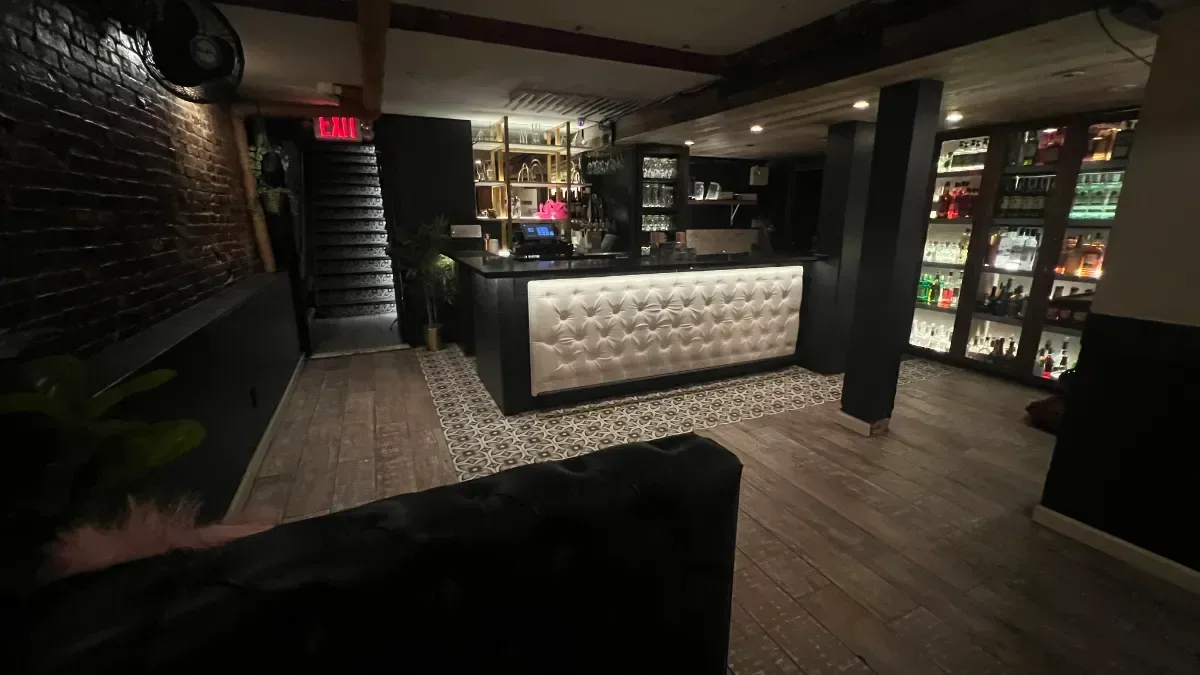
Tableify Reservations: no-commission booking
Build your Friday night once: shifts, a cover cap every 15 minutes, turn times by party size and tables kept for the door. One flat price, never per cover.
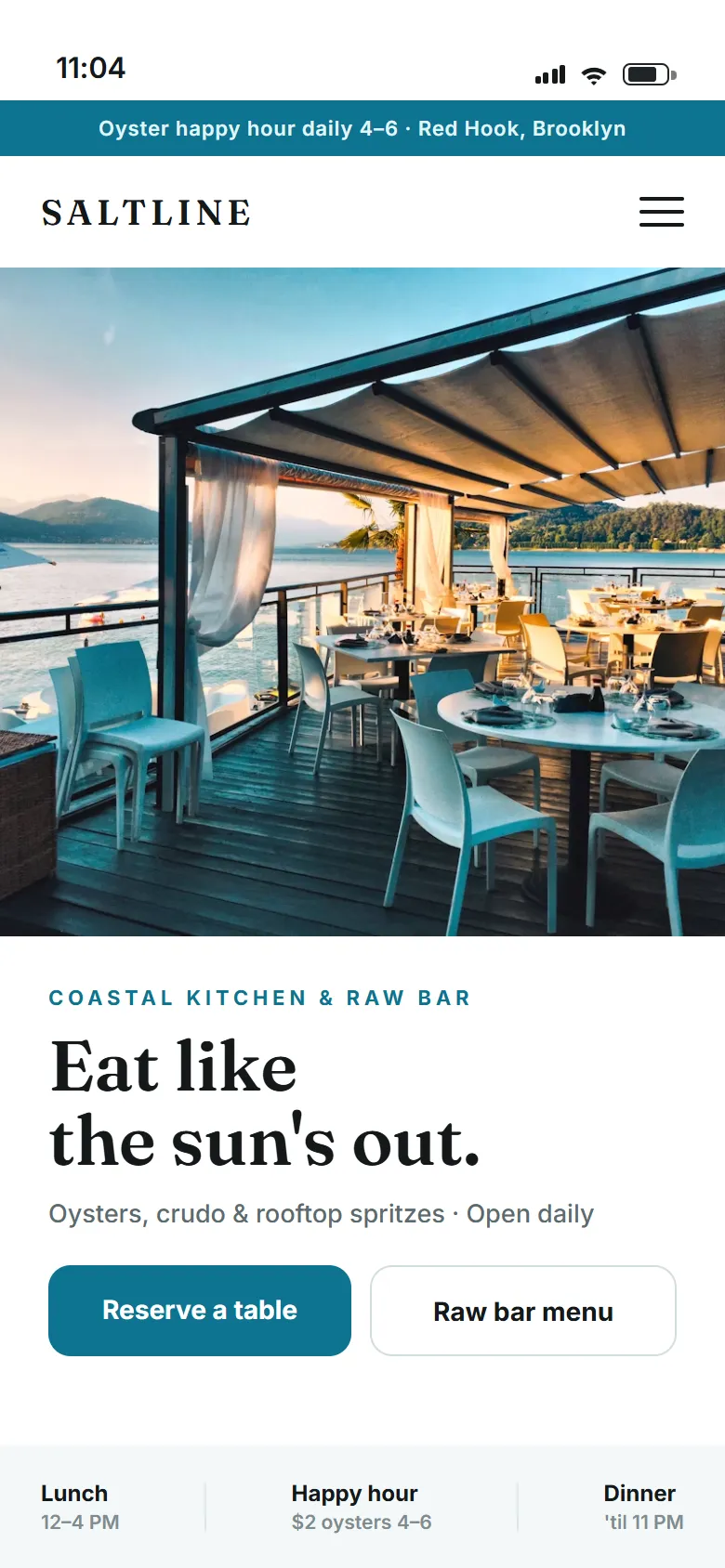
- What you pay
- One flat monthly price, never per cover
- Where guests book
- On your own website, no app
- Big parties
- Any size you choose, tables combined
- Deposits and fees
- Paid straight to your own account
- Busy nights
- Bookings paced every 15 minutes
- Walk-ins
- Tables held back for guests at the door
Every setting a busy night needs, written down once.
The rules a good host keeps in their head, set once per shift and applied to every booking, online or by phone.
Shifts by day and meal
Friday dinner, Sunday brunch and a holiday seating each get their own hours, tables, pace and turns.
A cap every quarter hour
Limit the covers that can start at 7:00, 7:15 and 7:30, so the kitchen gets an even night.
Turn times by party size
Out of the box: 90 minutes for two, 120 for four, 150 for six, 180 beyond that.
A status for every table
Online, phone only, walk-ins only or closed, and it can change partway through the shift.
Tables that join up
Sell pushed-together tables as one, while the biggest combination waits for the party that needs it.
Experiences on the same book
A tasting seating or a garden party with its own dates, tables, pace and deposit.
Start with the shift, not the tables
Most booking setups are one long list of open times. That holds until Friday, when the kitchen, the floor and the door each want something different from the same five hours. Tableify starts from the shift instead: a named block of service, like Friday dinner from 5 to 10, with its own days, hours, floor plan, pace, turn times and table rules. Sunday brunch is a different shift with different answers, and so is a holiday seating.
To keep this concrete, take a sample restaurant with 64 seats: a dining room of two-tops and four-tops, one round table for six, a banquette whose tables push together for larger groups, and a patio of picnic tables. The rest of this page builds its Friday dinner shift one setting at a time, in the order a manager would decide them.
Pace the kitchen fifteen minutes at a time
The first number to set is how many covers may start in any quarter hour. Without it, a Friday book fills the way guests like it: everyone at 7:30, nobody at 5:45. The line gets forty plates at once, tickets back up and the second seating starts late. A cap on covers per 15 minutes spreads the same guests across the evening. A new shift starts at 25 covers per quarter hour, and you change it to what your kitchen can really fire.
Caps can differ by time. The sample restaurant might allow 16 covers at 6:00, only 10 at 7:30 while the first seating is still eating, and 0 near the end of the shift to stop new tables. A booking made for 7:10 counts against the 7:00 quarter hour. Canceled bookings and no-shows stop counting, so the room opens back up. When a party of four would push a quarter hour past its cap, that time is not offered, and the guest picks from the times that still fit.
Turn times decide when a table sells again
A turn time is how long a party holds its table. Out of the box, one or two guests hold it for 90 minutes, three or four for 120, five or six for 150, and seven or more for 180. Each shift can carry its own, so Friday dinner can run longer turns than a weekday lunch.
The turn time is what lets one table sell twice. In the sample restaurant, a two-top seated at 5:30 is free again at 7:00, so it can be offered for a 7:00 booking, while a four-top seated at 6:00 is held until 8:00. A booking keeps the turn of the shift it was made under, so a long brunch party still sitting at 5 is not treated as gone just because dinner turns faster. Set turns from what you see on the floor: too short and the 8:00 party waits at the bar, too long and you hide a table you could have sold.
Give every table a status for the night
Next, decide who each table is for. On the shift, every table is open online, phone only, walk-ins only or closed. Guests on your website can book online tables, and so can your team. Phone-only tables can be booked by your team but never appear online, which suits the round table your regulars call about. Walk-ins-only tables never take a booking; the host seats them from the door. Closed tables are off for everyone.
The status can change during the shift, quarter hour by quarter hour. The sample restaurant books its patio online until 8:00 and keeps it for walk-ins after that, holds two window two-tops for the door all night, and closes the patio outright on a rainy Friday. A table has to be open for a party's whole turn, not just its first minute, so a table that closes at 8:00 cannot take a 7:00 party that would still be sitting there. To learn where the guests at those held tables came from, walk-in tracking counts the QR codes they scan.
Type your restaurant's name. The free report shows how you come up on Google and in AI answers, next to the places near you.
Push tables together without losing the big one
Some parties need more than one table. Tables that push together are saved as a combination and sold as a single table: two four-tops become an eight, three become a twelve. A combination is only offered when every table in it is free for the whole turn, so a party of eight never lands on a table that is half taken.
The order matters on a full night. When more than one combination fits, the smallest that fits is used first, and any combination that is part of a bigger one is used last, so the long banquette stays whole for the party of fourteen who books at 4. You can also set the fill order by hand. A buyout of a whole room is a different conversation: it opens an inquiry instead of a booking, and the inquiry goes to your private event software with its date and headcount.
Add an experience on top of the regular book
Friday may carry something besides tables for two and four: a tasting at the counter, a garden party for groups, a holiday seating with a set menu. An experience is a bookable offer with its own dates, party sizes, tables, pace and fee policy, shown beside the regular times. It appears only on the dates and for the party sizes it fits, so a couple booking a table for two is never offered the group package.
Each experience decides how it shares the room. It can count against the shift's cover cap like any booking, keep a cap of its own, or sit outside the cap when it runs from its own station. On the shift's table grid, a table at a given time can be set aside for one experience, so the patio is the garden party at 6:00 and ordinary tables again later. An experience can also carry a deposit or a full prepay, charged on your own payment account with no platform fee.
Friday at 4: what the guest sees
Now the guest. Someone opens your restaurant website at 4 on Friday and picks tonight, a party of four and a time. The times on offer are already the result of every setting above: the cap, the turn times, the table statuses and the combinations. While they type their name, the table is held for them with a small countdown, five minutes by default and ten when a deposit is due, so nobody else takes it.
You choose the largest party that can book online, and bigger groups can book combined tables or go straight to your team. If the night carries a fee, the guest reads the policy in your words before paying. Confirmation and reminder texts come from your restaurant's own texting number once the phone carriers approve it; the guide to reducing no-shows covers how to use them. If a guest leaves after entering their details, their name and number go on a list your team can follow up by hand, kept for 90 days.
During service, the same rules hold
Phone bookings go in by hand and pass through the same shift, cover cap, turn times and table statuses as online ones, with room for allergies, the celebration and notes for the team, and a choice of whether to text a confirmation. A week calendar shows bookings by room or experience, a booking can be dragged to another day, and each one keeps a history of what changed and who changed it.
Because the booking lives on your own site, the same visit can do more. A guest checking Friday's times can buy a gift card, and a planner who wants the back room for thirty sends an inquiry into Tableify CRM. Put the same booking link on your Google listing. You pay one flat price for all of it, never a fee per cover; the reservation system checklist lists what else to ask before you move your book.
Set Friday once, run it every week.
We build the first version with you. After that it is your team's tool.
We draw the room together
Tables, seats, the patio and the tables that push together, plus saved layouts, like a summer plan with the patio open.
You decide each shift's rules
Hours, the cover cap, turn times and each table's status for Friday dinner, then Saturday and Sunday brunch the same way.
The book applies them
Guests only see times that fit every rule, and your team books phone guests and seats walk-ins under the same ones.
What a Friday shift has to cover
The three questions a guest answers first, and the kinds of spaces a shift sets rules for.
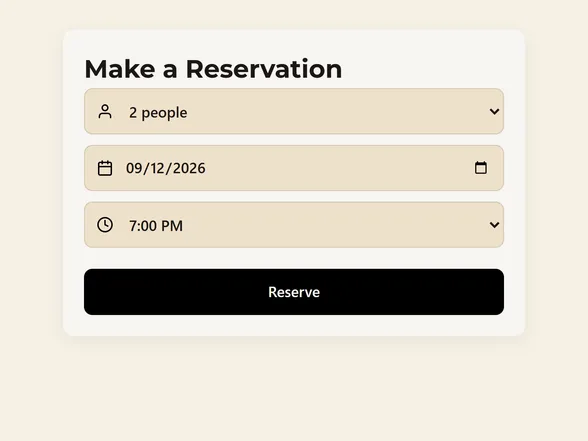
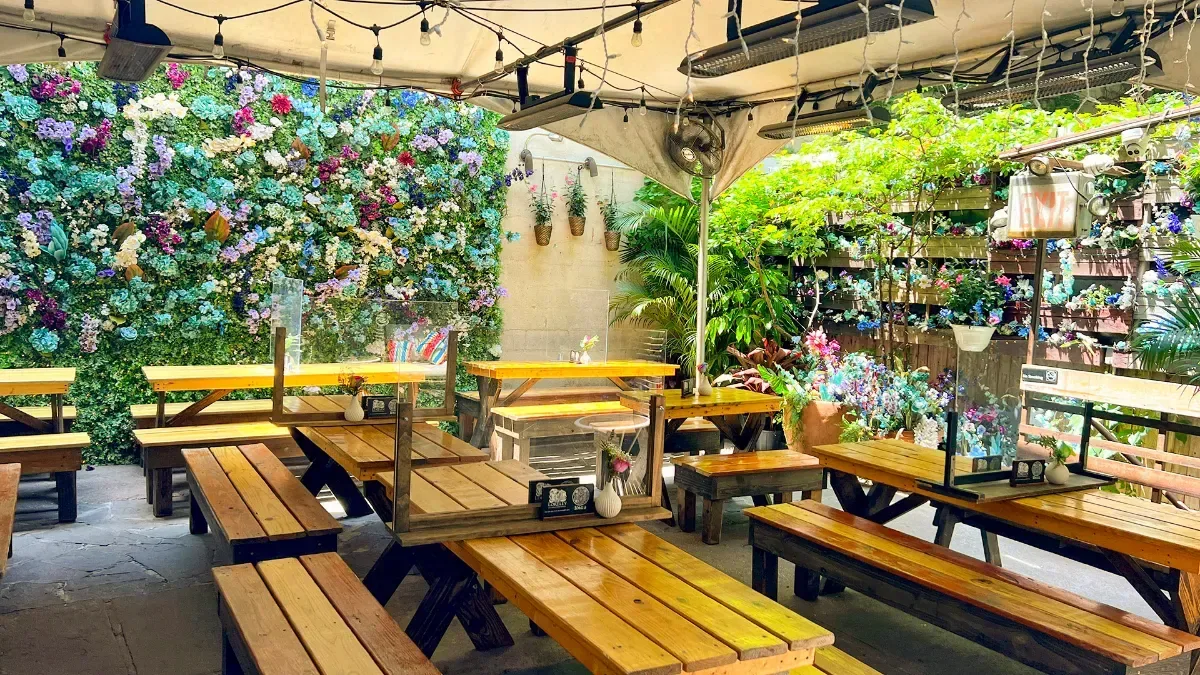
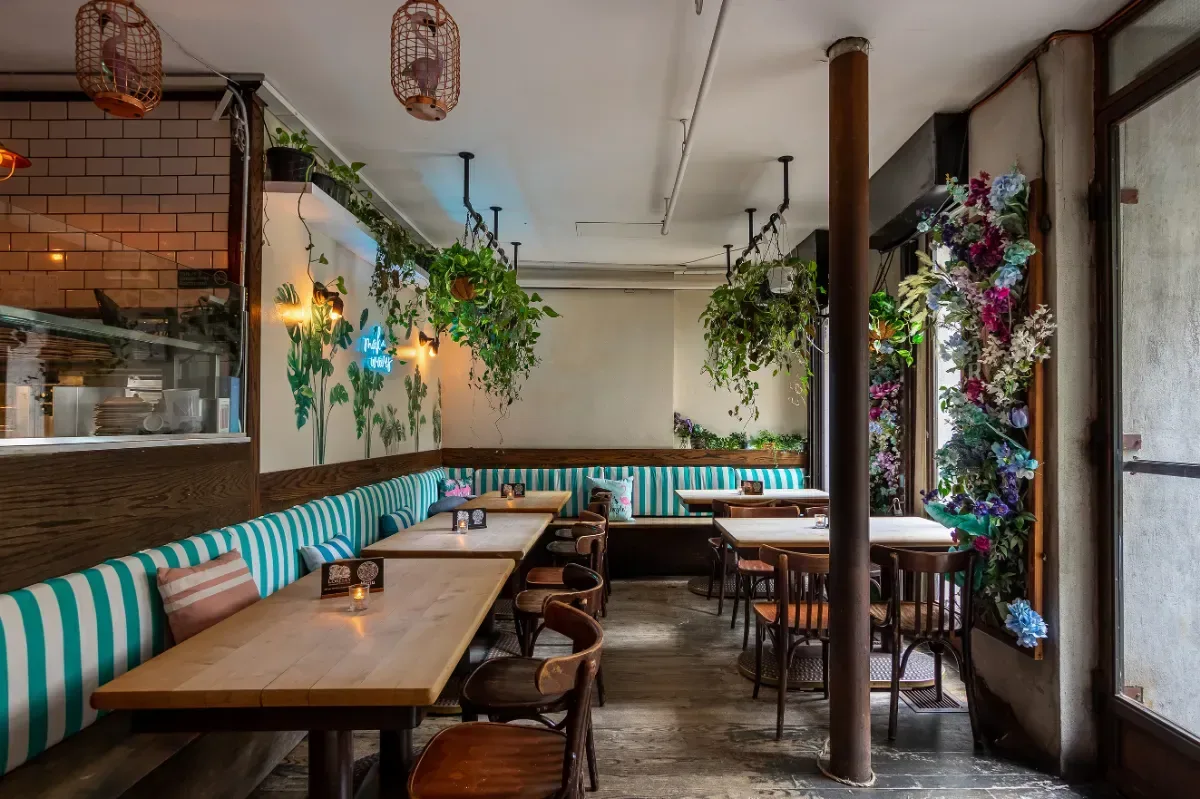
Friday, run from memory.
On paper, or in a booking tool with one setting for every night, Friday tends to go wrong in the same three places.
Everyone at 7:30
With no cap per quarter hour, the book fills where guests want it and the kitchen gets every ticket at once.
No seat for regulars
When every table is open online, the regular who walks in at seven hears that you are full.
Split up by two-tops
Small parties land on the tables that make up your long table, and the group of twelve gets turned away.
Guests ask an assistant where to book.
It can only send a guest to a booking page it can find and read. The guide to AI answers covers what assistants read on a restaurant's site.
- 1.The steakhouse on Fifth StreetTables open at 7:45 and 8:30.
- 2.The bistro by the riverBar seats kept for walk-ins.
- 3.The ramen counter on Main StreetBooks parties of four online.
Questions about setting up reservations
How many reservations should I take every 15 minutes?
Start from what your kitchen can fire well, not from how many seats you have. Think of the busiest quarter hour your line handled cleanly last month and set the cap a little under it. A new Tableify shift starts at 25 covers per quarter hour, and you can set a different cap for any time, including 0 to stop new tables. Watch two Fridays and adjust.
What turn times should a restaurant use?
Out of the box Tableify uses 90 minutes for one or two guests, 120 for three or four, 150 for five or six and 180 for seven or more. Treat those as starting points. Time a few real Fridays from seating to the table being reset and use your own numbers, since a tasting menu turns slower than a pizza place. Each shift can carry its own turn times.
Is there really no commission on reservations?
Yes. Tableify charges one flat price for the plan, with no fee per cover and no fee per booking. Deposits and fees are charged on your own payment account, and none of that money passes through ours. The reservation system checklist lists the other fees worth asking any system about.
Can I keep some tables for walk-ins?
Yes. Set any table to walk-ins only for the whole shift or for part of it, and it never shows as open online or takes a phone booking. Your host seats it from the door. Many restaurants keep a bar rail or a couple of window tables this way, so a regular always has somewhere to sit.
Can guests book a big table online?
Yes, up to whatever size you choose. Tables that push together are sold as one combination, and the largest combinations are kept free for the parties that need them. A whole-room buyout opens an inquiry for your team instead, which lands in your event pipeline with its date and headcount.
Do phone bookings follow the same rules?
Yes. A booking your team takes by phone goes through the same shift, cover cap, turn times and table statuses, and can also use phone-only tables. You can note allergies, a celebration or anything the team should know, and choose whether to text the guest a confirmation. Every change to a booking is kept in its history.
Can I run a special seating on a Friday?
Yes, as an experience. A tasting, a holiday seating or a garden party gets its own dates, party sizes, tables, pace and fee policy, and shows beside the regular times only when it fits. A deposit or prepay for it is charged on your own payment account. A planner with questions about a room can ask Nora, the AI event manager, in your website chat, where she answers from your real rooms.
How do I move my reservations from paper or another system?
We set up your rooms, tables, combinations and shifts with you, and you check the times a guest would see before the booking button goes live. Bookings already on the books for the coming weeks can be entered by your team, under the same rules. Then the booking button sits on your own site and on your Google listing.
Build your Friday once.
See whether guests who find you on search or in AI answers can book a table from what they see. Free, about a minute.