How to get your restaurant on Google Maps
Your map listing is a page of fields, and each one answers a question a guest has before they leave home. Here they are in order, with Google's own rules.
To get your restaurant on Google Maps, search for it first, then claim the listing with a free Google Business Profile, or add it if none exists. Verify that you run it, set the name and categories, and fill in hours, the menu and booking links and real photos. Then ask every guest for a review and answer each one.
- A Business Profile is free to create and claim.
- Only verified owners can reply to reviews.
- Every link on the listing should open your own site.
- Cost to be listed
- Free
- What you create
- A Google Business Profile
- Verification methods
- Chosen by Google, from call to postcard
- Business name
- Exactly as on your sign
- Links to add
- Menu, booking and ordering, on your site
- Google ranks local results by
- Relevance, distance and prominence
It checks your Google listing the way a guest meets it: your categories, your own photos, the booking link and how often you answer reviews.
- 1.The noodle bar on Fifth Street
- 2.The steakhouse by the station
- 3.The pizza place across the park
Find the listing, or add a missing one
Open Google Maps on a phone that is signed out of your account and search your restaurant's name and street. A listing can exist before you ever touch it, because anyone can add a missing place. It may carry an old phone number, last year's hours or a photo a guest took on a dark night.
If you find it, choose Claim this business. If nothing shows up, add your restaurant from the Business Profile site. Neither costs anything.
Verify that you run the restaurant
Google then asks you to prove the place is yours. Depending on the business, that can be a call or a text, an email, a live video call, a recorded video of the location or a code sent by mail, and Google picks which methods you are offered. It says most mailed codes arrive within 14 days.
Verification matters beyond the badge: only a verified business can reply to reviews as the owner.
Set the name, categories and description
The name field takes your name as it reads on the sign, nothing more: Google's guidelines rule out keywords and taglines. Your primary category says what you are, so choose the most specific one that is true, then add only the few secondary categories you live up to every week.
The description takes a few plain sentences: what you serve, the neighborhood, the patio, the private room. No links, prices or offers.
- 1.The wine bar on Fifth StreetSmall plates and a long list by the glass.
- 2.The bistro across from the stationNatural wines and a short kitchen menu.
- 3.The tapas place by the riverShared plates and a long bar.
A short call. We open your Google listing and your website side by side and show you which field to fix first.
Hours, special hours and closures
Hours are the field guests act on fastest. Set regular hours for every day, add special hours for each holiday before it arrives, and use More hours for services that keep their own times, such as takeout or brunch.
When you close the whole place for a buyout, add special hours for that date. A temporary closure is a different setting from permanently closed; never use the second by mistake.
Point the menu, booking and order links home
The listing has a field for a menu link, one for reservations and one for food orders. Point each at a page on your own site: the menu written as text, the booking page for a table, the ordering page if you sell online.
Your own page keeps the booking and the guest's details with you. A link to a system that charges a fee for every cover puts a toll on your busiest nights.
Photos, retaken season by season
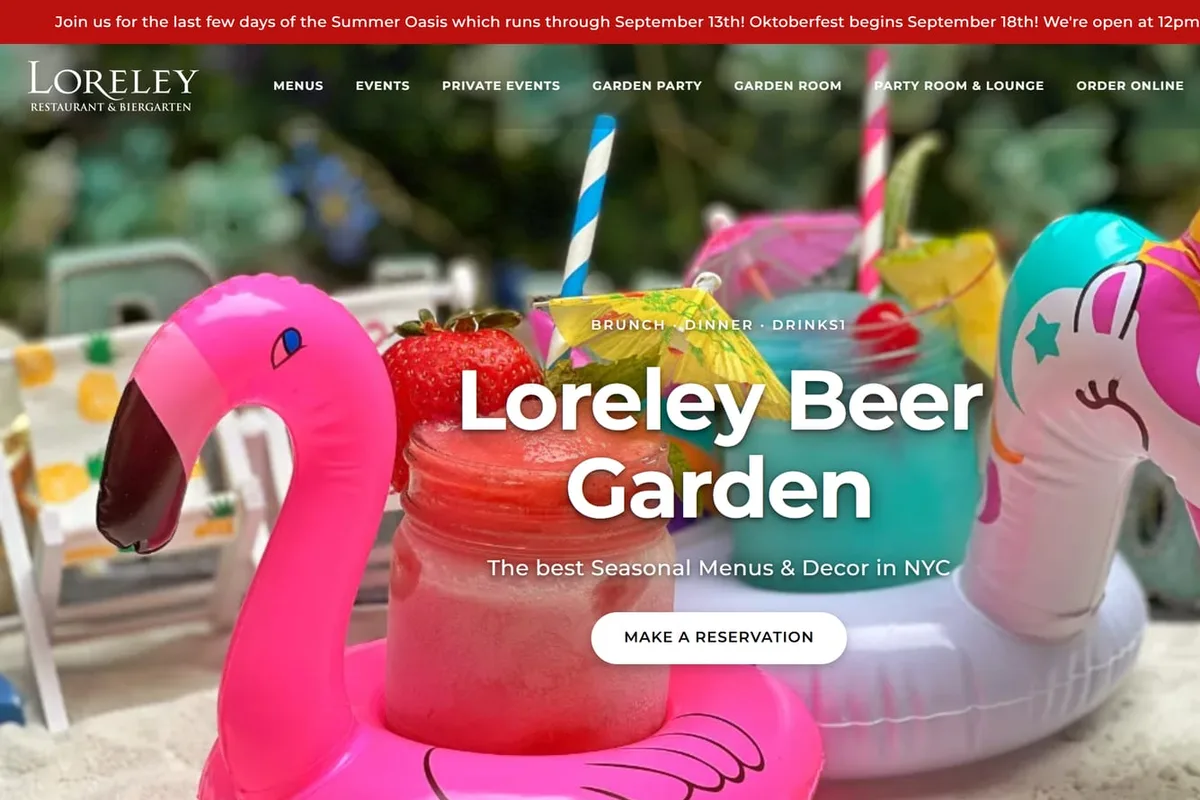
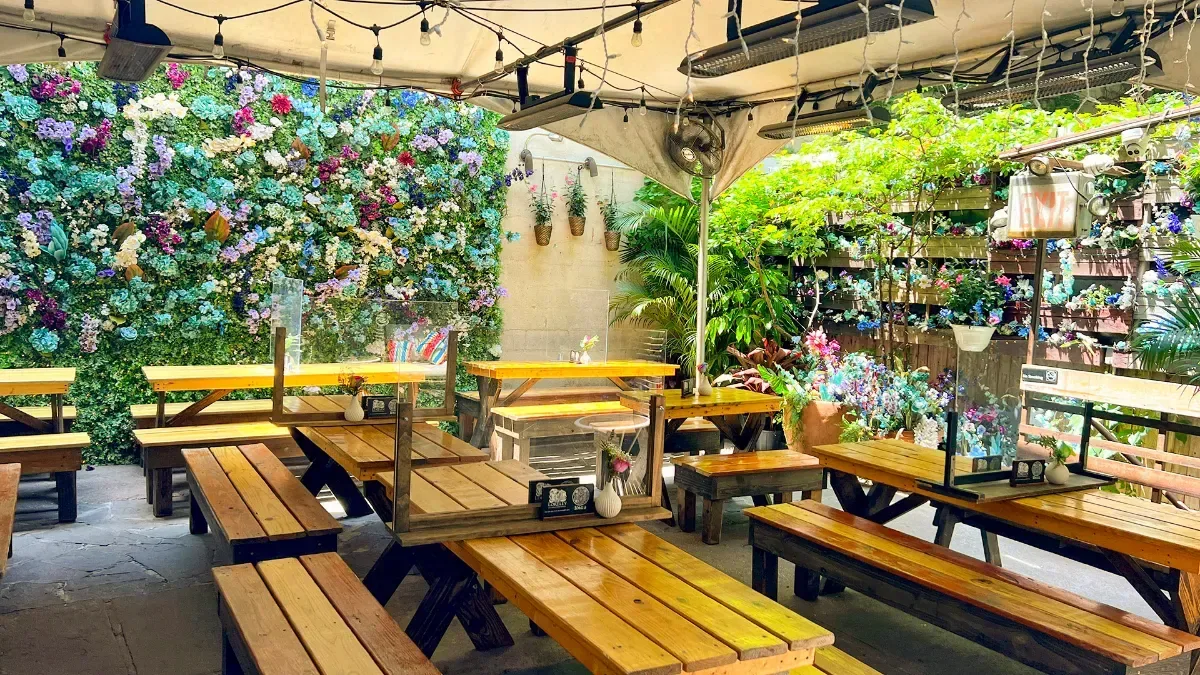
Guests upload photos too, and a blurry one from years ago can become the first picture a planner sees. Upload your own, in focus and well lit: the front door from the street, each room, the bar, the patio, the dishes people order most.
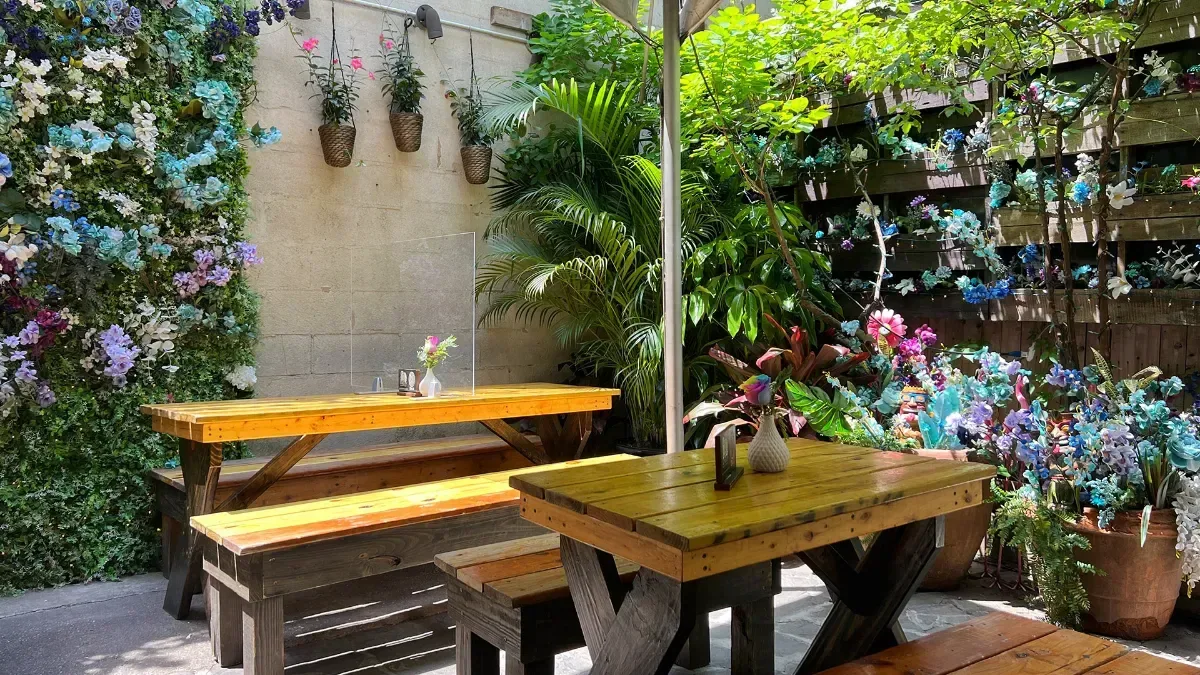
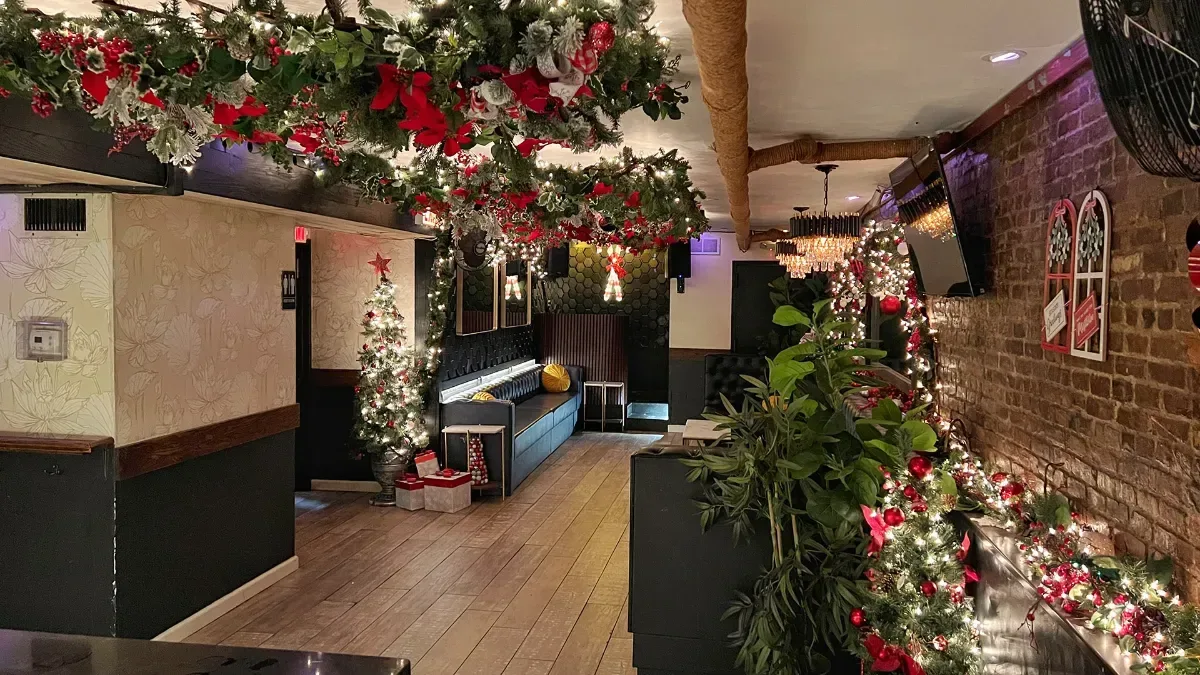
If your space changes with the seasons, so should the set. A garden in July and the same garden in December answer different questions.
Reviews, replies and posts
Ask every guest for a review the same easy way, with a direct link. Google forbids paying for reviews, rewarding them, and asking only the guests you expect to be happy. Reply to each one as the owner. On Tableify, Stella drafts the replies and none is posted until you approve it.
Posts show what is new: a menu, changed hours, a party room for the holidays, each with a photo and a button to the right page.
How Google decides which places show on the map
Google's help pages name three things behind local results: relevance, distance and prominence. Relevance is how well your listing matches the words the guest typed, which is why the categories, the description and the menu link all matter. Distance is how far you are from the guest or from the place they named, and nobody can change it. Prominence is how well known the restaurant is, judged from things like how many reviews you have, your ratings and how many sites link to you.
So the listing is a page you keep, not a form you fill in once. Google says there is no way to request or pay for a better local ranking, so anyone who promises you a spot on the map is guessing.
The name field is the one you cannot dress up
Owners are tempted to stretch the name: the cuisine after it, the neighborhood, a word like best. Google's guidelines say the name must be the one the restaurant uses in the real world, on the sign, the menu and the receipts, with no keywords or taglines added. A stuffed name can get the whole listing suspended, and a suspended listing shows nothing at all.
The words you wanted in the name have better homes. The cuisine goes in the categories, the neighborhood is already in the address, and what makes you special goes in the description and in your posts. If you really do change your name, change the sign and the site first, then the listing, so a guest who checks all three finds one answer.
Guests have their own names for your rooms
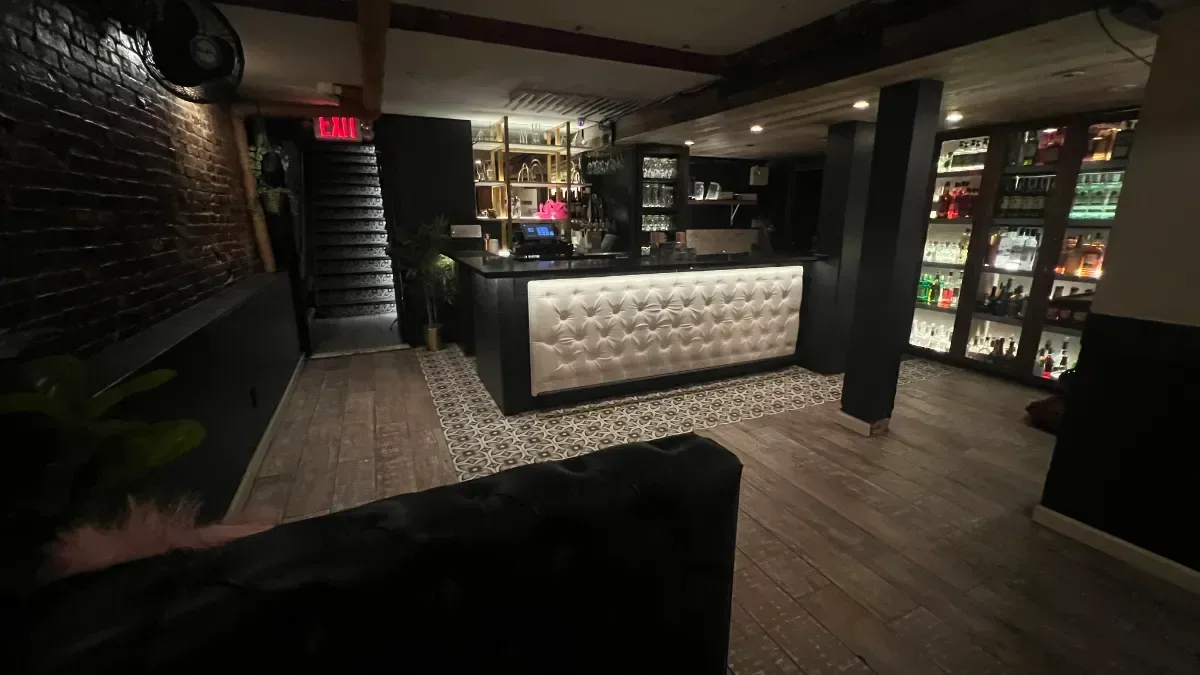
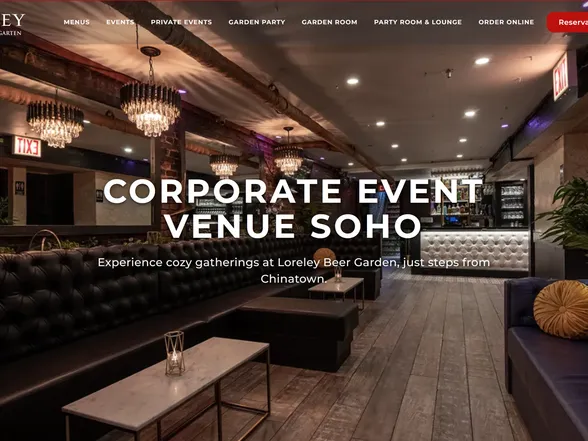
Read your reviews for the words guests use, because those are often the words the next guest searches with. At Loreley Beer Garden, which has hosted parties on New York's Lower East Side since 2003, the private space has a proper name: the Party Room / Lounge. Among the Google reviews quoted in its case study, one guest names the Party Room / Lounge, another writes about reserving "the downstairs space", and a third about a party "in the basement". Three guests, three ways to describe a private room.
The same reviews name occasions: a birthday, a happy hour, a bachelor party. Put those words in your description, your posts and the room pages your listing links to, so a planner who searches the way guests talk finds a page that talks the same way.
Asking for reviews within Google's rules
Make the ask routine, so it reaches every guest and nobody feels picked. A line from the server at the end of the meal, a card with a short link that opens the review form, a thank-you text the next morning: one of these, every time.
- Never pay for a review, and never trade a discount, a drink or a free dessert for one.
- Never ask only the tables that seemed happy. Google's rules forbid asking selectively.
- Never review your own restaurant, and never ask staff or family to.
- Never stand over a guest at the table while they write one. Google's rules forbid pressure on the premises.
Type your restaurant's name. The free report shows how you come up on Google and in AI answers, next to the places near you.
Answering reviews the way an owner should
A reply is read by every guest who reads the review, so write it for them as much as for the reviewer. Thank the good ones by naming what they mention: the bartender, the music, the dish. Answer the bad ones calmly, once, with one way to make it right, and take the rest of the conversation off the listing.
At the beer garden in our case study, Tableify held 319 of its Google reviews when the figures were recounted in October 2026, more than anyone answers well from memory. On Tableify, Stella drafts a reply to each review and none goes up until you approve it, so the answers stay yours and none sits forgotten.
Moving, renaming and closing for a while
Some changes look small and are not. If you move, edit the address on the listing you have rather than opening a new one; Google says reviews come with an address change when the name stays the same. If you renovate, mark the listing temporarily closed with a date in mind and reopen it the morning you do. Permanently closed is for a restaurant that is gone.
Buyouts, holidays and private events need special hours for that date. A guest who walks up to a locked door on a Saturday because the map said open writes the review you least want, and a planner who sees closed on a day you are open books somewhere else.
When the listing goes wrong
Listings drift. Anyone can suggest an edit, and Google can update a profile from information it collects, so a phone number, a set of hours or the pin can change under you. Most problems fall into four kinds:
- Two listings for one restaurant: Google allows one per business, so report the duplicate on Google Maps to have them merged.
- A suspended listing: read Google's guidelines, fix what broke them, then file an appeal from your profile.
- A pin in the wrong spot: move it to your front door, so walking directions end at the entrance.
- A former manager holds access: request it through Business Profile. The current owner has 3 days to answer.
One set of facts for the listing and your site
The listing stays right when it is fed from the same place as your website. If the hours, the menu and the events change on the site and the listing on the same day, nobody has to remember the second step. On Tableify plans that include reviews, public events you add to your site post to the Google listing once it is connected, and the menu link can open a menu page you change the moment a dish does.
The pages behind the links matter as much as the links. The menu SEO guide covers the menu page, the private event pages give each room an inquiry form, and the reservation system is what your booking link can open, with no fee per cover. For the rest of search, see the restaurant SEO guide.
A review that names what the next guest searches for.
Loreley Beer Garden has hosted parties on New York's Lower East Side since 2003. This five-star Google review says the occasion, the room and the reason to book ahead in four lines, from the Loreley case study.
The beer garden's Google reviews held in Tableify when the case study was recounted in October 2026. Not the listing's public total.
The year it opened, and the line its own private events page leads with.
Posted in May 2026. It names a bachelor party, the basement and music you can choose if you book ahead.
“Hosted some friends to celebrate a bachelor party in the basement at Loreley, and we had the time of our lives. Good beer, ability to choose your own music if you book in advance, and a great atmosphere. … Could not recommend it enough!”Guest at Loreley Beer Garden, Google review, May 2026
Questions about Google Maps
Is it free to put my restaurant on Google Maps?
Yes. Creating and claiming a Google Business Profile costs nothing, and you do not have to buy ads to appear on the map. Be wary of anyone who charges a fee just to register you with Google. Paying someone to keep the listing current is a different thing, and that is a choice, not a requirement.
How long does Google take to verify a restaurant?
It depends on the method Google offers you. A call, text or email can finish quickly, while Google says most codes sent by mail arrive within 14 days. Edits after that can take a little while to appear while Google reviews them. Start well before opening day, so the listing is ready when guests start searching.
Someone else manages my restaurant's listing. How do I get it back?
Request access through Google Business Profile, and Google gives the current owner 3 days to respond. If they do not, Google may let you claim the listing by verifying it yourself, though that option is not always offered. Once you have it back, add a second person from your team so it never depends on one login again.
Can I add keywords to my restaurant's name on Google?
No. Google's guidelines say the name must match the one you use in the real world, with no keywords or taglines, and a stuffed name can get the listing suspended. Put the cuisine in your categories and the details in the description and your posts. The name stays exactly as it reads on your sign.
Should the reservation link on Google go to my own website?
Yes, when you can. A booking page on your own site keeps the guest's details with you and avoids a fee for every cover, and the menu link should open your menu as text. Check that each link opens on a phone and lands on the right page, not the homepage. The restaurant website checklist covers what those pages need.
How do I get more Google reviews without breaking the rules?
Ask every guest the same easy way, soon after the visit, with a link that opens the review form. Reply to every review, which shows guests that someone reads them. Never pay for reviews, trade a discount for one or ask only the happy guests, because Google's rules forbid all three.
Why does my restaurant not show up on Google Maps?
Search the exact name and street first. If nothing appears, there may be no listing yet, it may be unverified, or it may be suspended for breaking Google's guidelines. If it shows for your name but not for your kind of food, look at your categories, description and reviews. The free restaurant report checks your categories, your own photos and how often you answer reviews.
Check your listing in a minute.
See your Google listing the way a stranger nearby sees it: categories, photos, the booking link and replies, next to the places around you.