Restaurant gift cards sold on your own site
Sell gift cards on your own website, paid straight to your account. Follow one card from a December 23 purchase to its last dollar, three visits later.
Three steps to your first card.
Your payment account is the only thing to connect. Everything else is a choice you make once.
Connect your payment account
Cards are charged on your own account. If you already take reservation deposits through Tableify, this part is done.
Choose amounts and wording
Pick the amounts you sell, keep or change the custom amount, and write the short note that rides on every gift card email.
Link the buy page
Put it in your menu bar, your footer and your posts. The gift card calendar shows when to push it.
A card nobody can buy online is a gift someone else sells.
Paper cards get lost, plastic cards need a counter, and some online card services keep a share or pay you on their schedule.
Sold only at the register
A buyer who remembers the gift on the train home cannot buy one from you, so they buy something else.
Someone else holds it
Some gift card services keep a percentage or pay out on their schedule, and the checkout page is not yours.
Nobody knows what is left
Guests lose track of the balance, and staff dig through notes to check a card at the table.
Last-minute gifts start with a question.
A buyer asks an assistant for a restaurant gift card they can send today. The answer can only point to places that sell one on their own site.
- 1.The steakhouse downtownEmail gift cards in any amount.
- 2.The sushi bar on Elm StreetCards sent right away with a note.
- 3.The brunch spot by the parkGift cards for weekend brunch.
December 23, 4:40pm: a gift bought from a phone
Follow one gift card through its whole life. It is an example with round numbers, not a real guest, but every step is how the product works. Two days before the holiday, a buyer realizes she has nothing for her brother, who has talked about your brunch for a year. She searches your restaurant's name with the words gift card, lands on your own site and taps the gift card link in the menu bar.
The buy page wears your logo, your colors and your fonts, so it reads as your restaurant and not a stranger's checkout. She picks $100 from your amounts. She could have typed her own number instead, since the custom amount is on by default. She chooses to send it to someone else, enters her brother's name and email, and writes a two-line note about a brunch they keep promising each other.
Then she pays with her card. The charge is made directly on your own payment account, with no platform fee from Tableify on top and no percentage taken, now or when the card is spent.
Two emails, as soon as the payment clears
The moment the payment goes through, the emails go out. Her brother gets the card: the amount, the code, her note and a link to check the balance. She gets a receipt. If she had bought the card for herself, to tuck into a holiday card, one email would have carried both the receipt and the code.
Every gift card email can also carry a short message from you, written once and shown on every card. One line is enough: brunch is served Saturday and Sunday, or the back room takes parties of twenty. It is the first thing a new guest reads from you, so make it sound like the person at your host stand.
Nothing waits for a batch or a business day. A card bought on the afternoon of December 23 is in her brother's inbox on December 23, which is the whole point of a last-minute gift.
The money, the amounts and the terms
The $100 lands on your payment account like any card payment you take, and pays out on that account's normal schedule. Nobody holds it for you. Out of the box your amounts are $25, $50, $100 and $200, with a custom amount between $10 and $1,000; every one of those is yours to change. A wine bar might sell $75 and $150, a family spot $20 and $40.
Amounts work best when they map to real visits: lunch for one, dinner for two with a bottle, a table of four. Cards are created with no expiration date, and the default terms say the amount paid never expires. You can edit the terms buyers see; the gift card guide covers the rules worth checking before you do.
Visit one, in January: brunch for two
Her brother comes in on a Sunday in January with a friend. When the check arrives, he shows the code on his phone. Your server looks it up in your Tableify account, takes $58 off for the brunch, and leaves $42 on the card. Nothing to swipe, nothing to print.
Partial redemption is the default, not a special case. Staff can take off the whole check or any part of it, and whatever is left stays on the card for the next visit. Two people cannot spend the same balance at once from two screens, so on a busy brunch a card is never used twice by accident.
It matters how that first redemption feels. His friend has never been in, and the server who treats the code as a welcome rather than a payment problem is the one who turns a gift into a regular. Thank them, ask what brought them in, and let them know the rest of the card is waiting for next time.
Type your restaurant's name. The free report shows how you come up on Google and in AI answers, next to the places near you.
Visit two, in spring: the balance link answers first
In March he wonders what is left. He does not call the restaurant. He opens the original email and taps the balance link, which opens your balance page with his code already filled in: $42. That link keeps working even if you pause gift card sales, so a card bought in December is never stranded.
He comes in for drinks after work on a warm evening and puts $30 of the tab on the card. Staff take it off, and the card now holds $12. Every guest who can answer the how much is left question alone is one less phone call during your busiest hour.
Visit three, in early summer: the last twelve dollars
In June he brings three friends for a long lunch in the garden. The check is well past what is left on the card, so staff take off the last $12 and he pays the rest himself. The card is spent. The table of four that came with it is the part a gift card buys that never shows on the gift card.
Look at what one $100 sale became: three visits, two of them with guests who had never been in before, and a regular who now knows your brunch and your garden. That is why the card should be easy to use to the very last dollar. A card that is hard to redeem is a card nobody buys twice.
Every card on one list, with its history
Behind the scenes, that card sat on one list with every other card you have sold: its starting amount, its balance, and each time it was used. A guest who says I think there was forty dollars left gets a real answer in seconds, and a guest who lost the email is found by searching the list.
The list also tells you how much value is still out on cards you have sold, which is worth knowing at the end of a year. Ask your accountant how to record it; unspent balances are money held for guests, not yet income.
Where the buy page lives, and who sees it
Gift cards are part of your Tableify website: a section on your pages, a buy page of their own and a balance page, all in your brand. Link the buy page from your menu bar and footer, from your Google Business Profile and from the bottom of every newsletter. The website checklist shows where guests look first.
The best buyers already know you. Add a line about gift cards to the confirmation of a large party and the follow-up after a private event; the host who just threw a birthday in your back room is the person most likely to send the organizer a card. If those guests already live in Tableify CRM, the list of people to tell is already built.
Because the shop sits on the same site as your online ordering and reservations, one payment account covers all three and one team login runs them. There is nothing extra for staff to install at the register.
Where one card gets spent
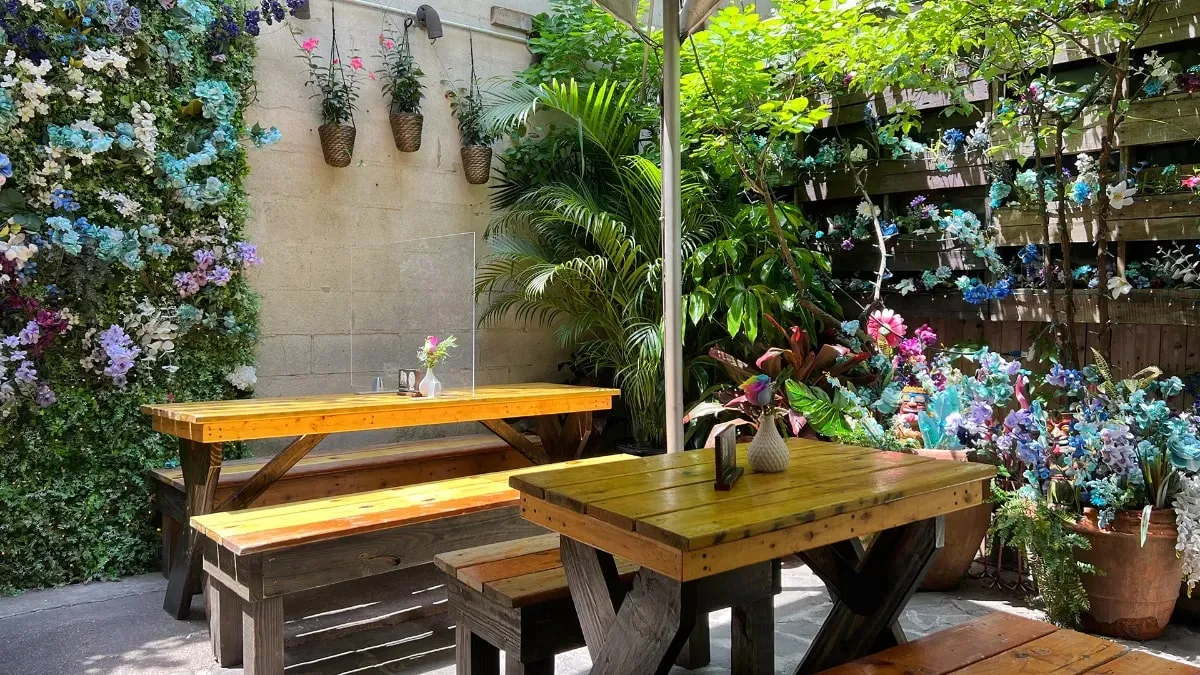
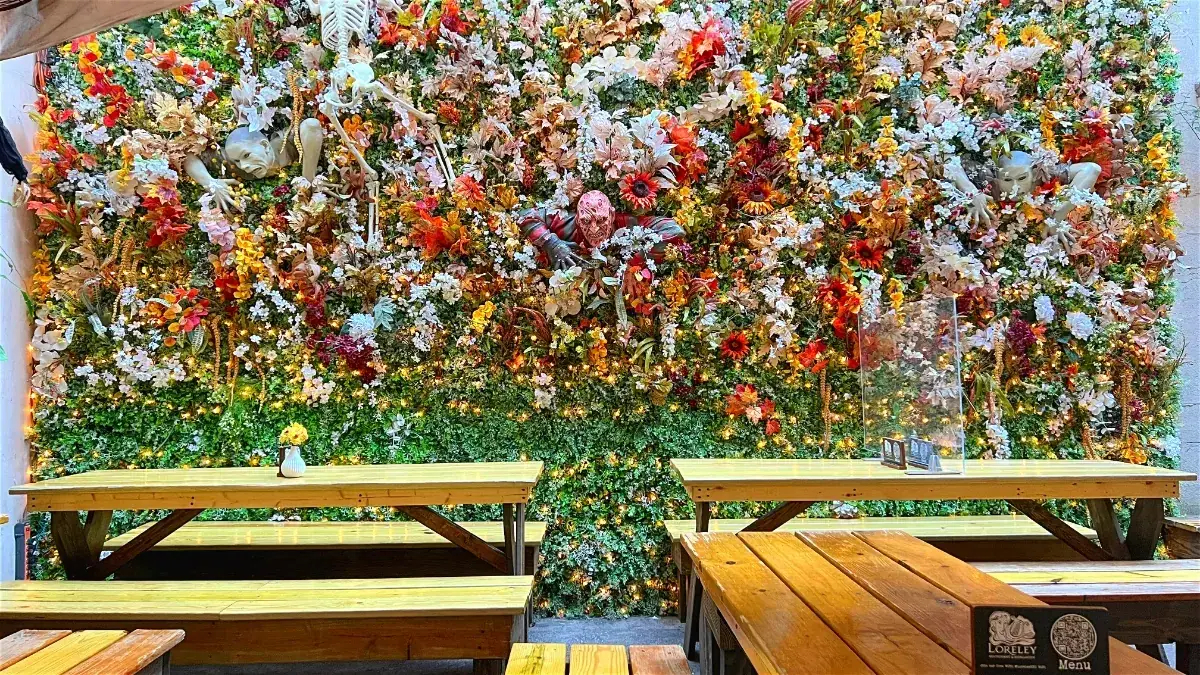
Real rooms that a gift card turns into a night out, from the holiday lounge to the garden in fall.

Questions about restaurant gift cards
How do I sell gift cards on my restaurant website?
Turn on gift cards in Tableify, connect your payment account and link the buy page from your site. Guests choose an amount, pay and send the card by email with its code. The guide to selling more gift cards covers where the link goes and when to promote it.
Where does the gift card money go?
Straight to your own payment account, as a direct charge, when the card is bought. We never take a percentage of a gift card and we never hold the money. Payouts follow your payment account's normal schedule.
Can a guest use part of a card and keep the rest?
Yes. Staff take off any amount and the balance stays on the card. The same card can be used over as many visits as it takes to spend it. Two screens cannot spend the same balance at once.
How does a guest check a gift card balance?
From the link in their gift card email. It opens your balance page with the code already filled in, so the balance shows right away. The link keeps working even if you pause gift card sales.
Do restaurants accept virtual gift cards?
A restaurant accepts its own, and an emailed card is as good as a plastic one when staff can look up the code. With Tableify the guest shows the code from their email, and staff redeem it from your account. Cards sold by other companies follow that company's rules.
Can a buyer send a gift card to someone else by email?
Yes. The buyer enters the recipient's name and email and can add a personal note. The recipient gets the card and its code as soon as the payment clears, and the buyer gets a receipt. A buyer can also send the card to themselves to pass on in person.
What gift card amounts can I sell?
Any amounts you choose. Out of the box they are $25, $50, $100 and $200, plus a custom amount between $10 and $1,000, and you can change all of them. Many restaurants match amounts to real visits, like lunch for one or dinner for two.
What if a guest loses the gift card email?
Staff find the card by searching the list of every card sold, which shows its balance and each time it was used. Nothing depends on a slip of paper in a wallet. If the guest finds the email later, its balance link still works.
Gift cards with no commission.
- No percentage of a card, sold or spent.
- Every card is charged on your own account.
- Part of your plan, nothing extra per card.
Let your site sell gifts.
See how your restaurant shows up on search and in AI answers when someone nearby is looking for a gift. Free, about a minute.